
|
Linking Prioritization Analyses to Condition Analyses
This topic explains the basic steps for linking a prioritization analysis to a condition analysis. For detailed information about condition analyses, see Asset Condition Analysis and Restoration Plans.To Link a Prioritization Analysis to a Condition Analysis
1.
3. Select the Condition Analyses view.
4. Click New Analysis. The New Asset Condition Analysis window appears.
• Link to condition analysis – Click the browse icon () to select an existing asset condition analysis. Select the assets to include in the condition analysis.
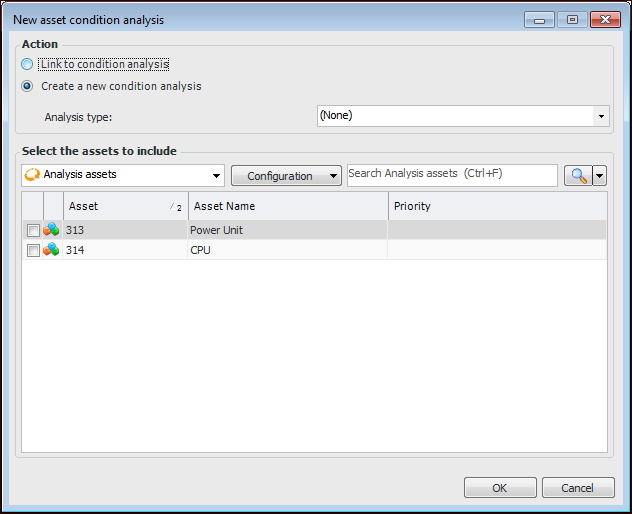
• Create a new condition analysis – Select an analysis type and one or more secondary analysis assets, if required. The condition analysis’ primary asset will be the same as the prioritization analysis’.
6. Click OK. The Asset Analysis window opens for the new or existing analysis.
7. You can now finish the analysis, as described in Creating an Asset Condition Analysis. When you close the condition analysis window, the analysis is listed in the asset prioritization analysis’ Condition Analyses view.