
|
Copying a Work Order
To Copy a Work Order
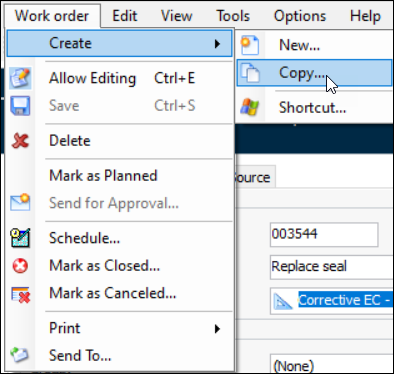
2. From the Work Order menu, select Create, and then Copy. In the confirmation message that appears, click Yes.APM opens a new work order with the same information and tasks as the original work order, but with a new work order number. APM will not copy historical information from the original work order, such as actual costs and transactions, request information, standard job triggering information, or alarm acknowledgment information.
3. Make any necessary changes to the new work order. Then you can save, plan, approve, and schedule it as usual.