
|
|


Creating Schedules from a Template
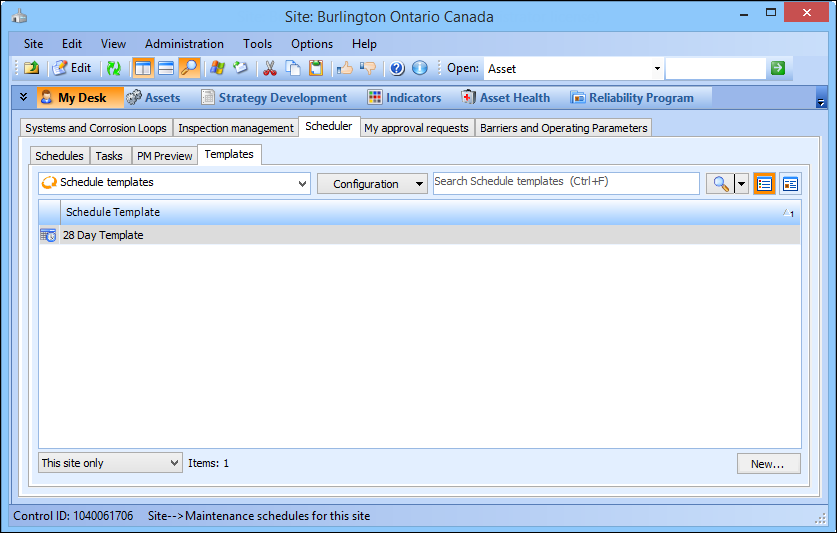
When you create schedules from templates, APM sets the starting date based on the information on the General tab, Details tab, in the schedule template properties. For example, if the schedule template has a starting day of Sunday, the starting date for the schedule will be the next Sunday that doesn’t yet have a schedule. If the starting date is the same as the current day of the week, APM sets today's date as the starting date. If necessary, you can change the starting date of the schedule.If a template has an Offset Start Date value, APM will also use this information to calculate the starting date of the schedule.Note: In order for the offset date to be used, the schedule set must be created from the parent schedule and not the schedules using the offset. For example, create the schedule set from the monthly template, not from each weekly template.Note: The My Desk view only displays the tabs described below, if you are set up as a scheduler on the Properties view, Roles tab, Scheduling tab of the employee record.To Create Schedules from a Template
 R
R