
|
Creating a Schedule from Scratch
When you create a schedule from scratch, you must provide all of the schedule properties. To create a schedule from a template, see Creating Schedules from a Template.Note: The My Desk view only displays the tabs described below, if you are set up as a scheduler on the Properties view, Roles tab, Scheduling tab of the employee record.To Create a Schedule from Scratch
1.
2. Select the Schedules tab. By default, this tab shows a list of all of your open schedules.
3.
4.
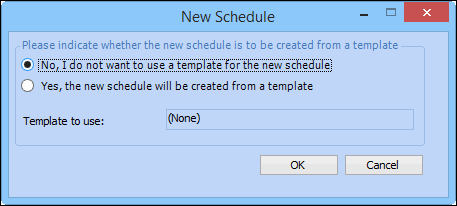
5. Right-click the schedule that you want to be the parent for the new schedule. Select New child. The New Schedule dialog appears.
6. To create a schedule from scratch, select No I do not want to use a template for the new schedule, and then click OK. The New Schedule Properties dialog appears.
8. When you are finished entering the schedule properties, click OK. APM opens the new schedule. You can now: