
|
|


Copying a Standard Task
If you need to create the same standard task for many similar assets, you might want to create a task template. This will make creating and maintaining your standard tasks easier. See Creating a Task Template.To Copy a Standard Task
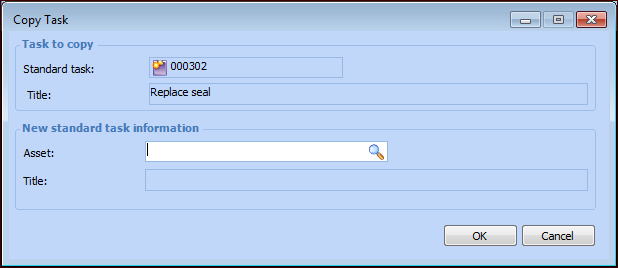
 ). In the Asset selector dialog, select an asset and click