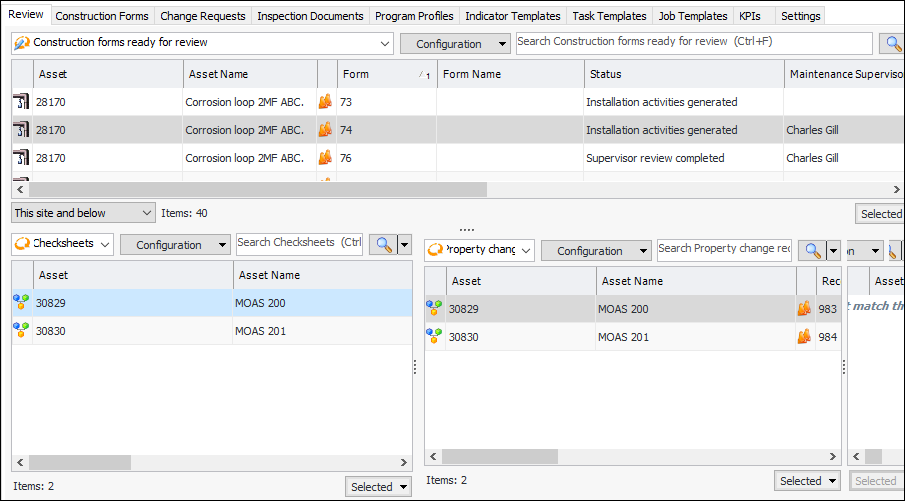
You can view consolidated information about construction activities for the site and individual construction forms. The review summaries and the My Desk view make it easier for maintenance and construction supervisors to identify forms that are ready for processing. They can then change construction form statuses as required.
On the Site window, select the Construction Management view,
Review tab to see construction forms that are ready for review. For example:
Your My Desk view can also be set up to show construction forms for which you are the assigned maintenance or construction supervisor. Your employee record must identify you as a maintenance or construction supervisor. For more information, see
Setting up My Desk Views.
On the Construction Form window, select the Review view for lists of inspection checksheets, property change requests, and asset status change requests. Summary sections show assets updated by type and status, installation inspections by asset and status, and asset change requests.