|
|


Creating a Gas Transaction from a Construction Form
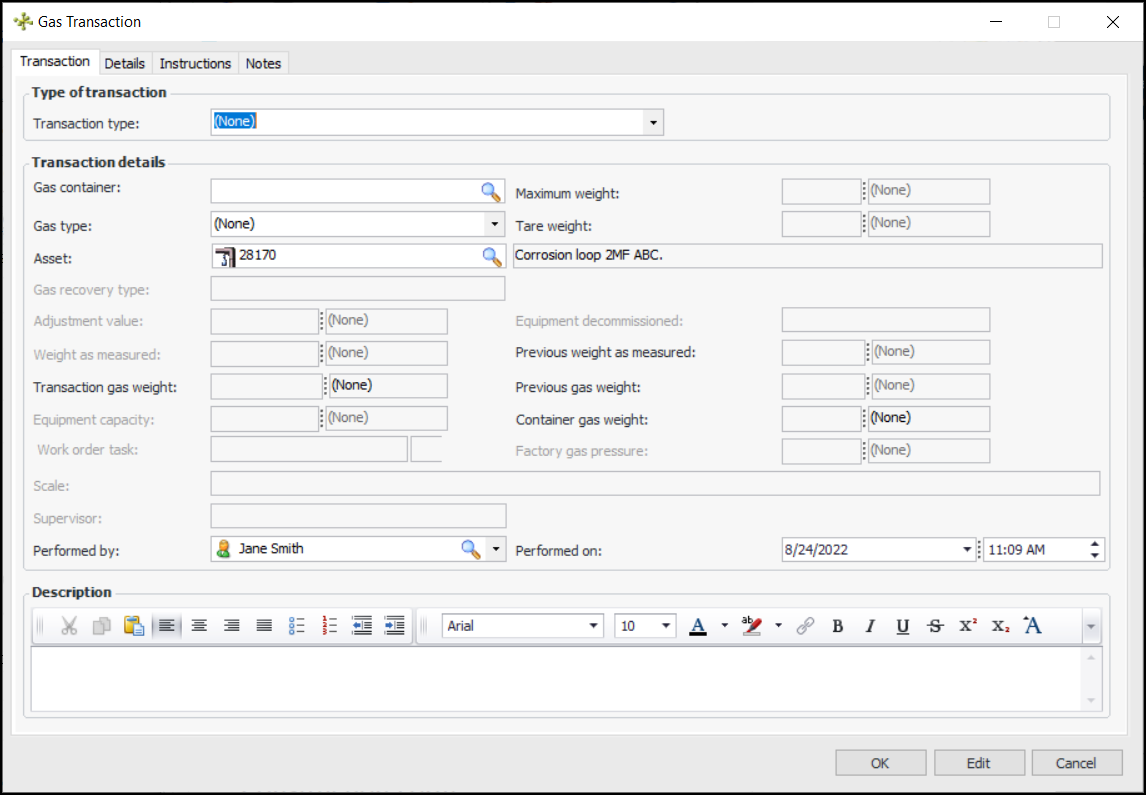
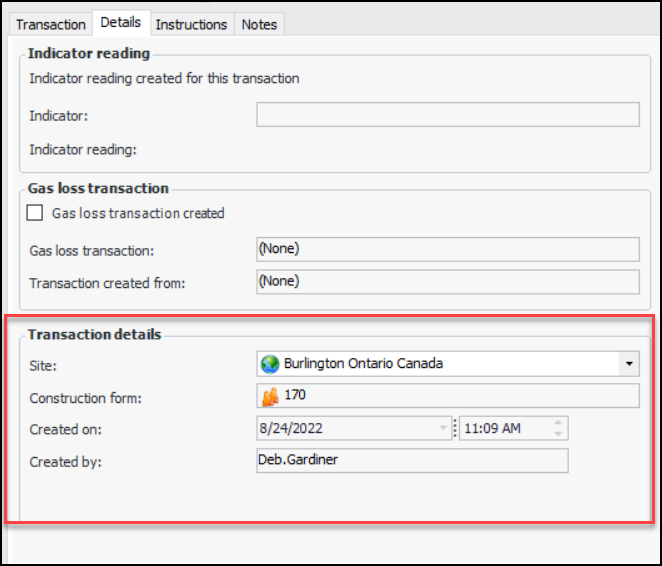
You can create a gas transaction from a construction form. The transaction’s asset is set to the construction form’s asset, and the construction form’s number is referenced in the Details tab, along with the site, creation date, and creating employee.This topic explains how to create a gas transaction from a construction form. For detailed information, see Creating Gas Transactions.To Create a Gas Transaction