|
|


Creating Asset Change Requests for Construction Forms
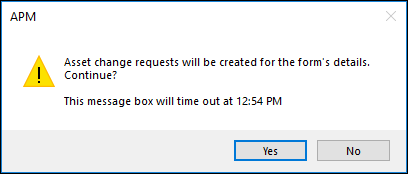
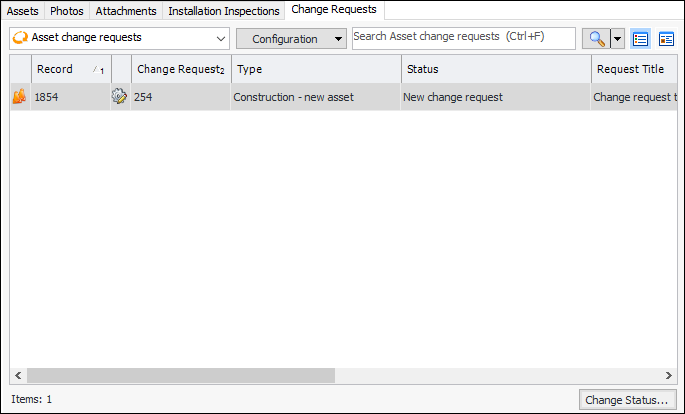
You can start the request manually by clicking the Tools menu and then Create Asset Change Requests. Alternatively, the change request can be initiated automatically when the construction form status changes. In this case, the status settings specify that a request is created as soon as the status is applied to the form. For example, in some implementations, when the status changes to “Create Request”, APM automatically creates the change request.Once the construction form has been reviewed (if required) and the request has been sent to interop, the form cannot be modified. However, if asset properties need to be updated, you can initiate an asset properties type of change request from the Construction Form window, Details view and tab. The Properties Change Request button is enabled only for processed construction form details. For more information, see Creating Asset Properties Change Requests.Equipment removal requests are created manually for the asset, which must have a corresponding asset in the CMMS. The asset type must specify that “Assets of this type support remove equipment requests” in its asset policies. See Creating Equipment Removal Requests.To Create Change Requests for a Construction Form