
Entering a Material Return

This topic explains how to complete a material return. You may need to do this when reporting activity for a work order task.

To Enter a Material Return

1.
Tip: You can also click New Return from the Resources Used tab, Materials tab on an activity report.
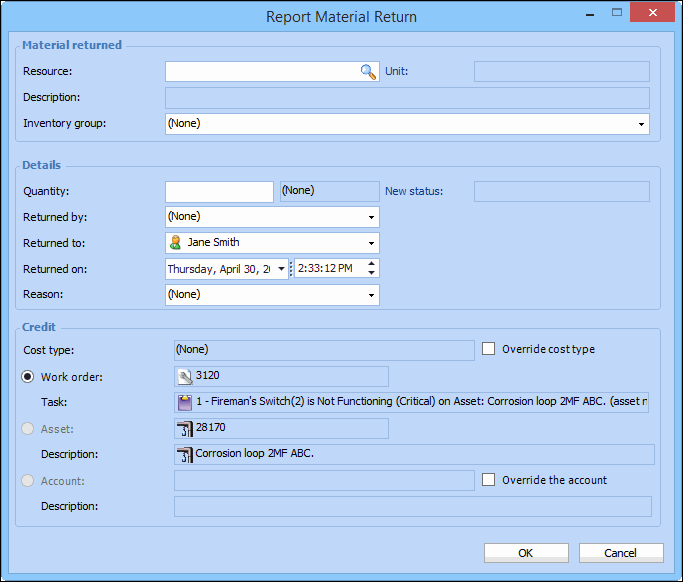
The Report Material Return dialog appears. For example:
2.
In the Material returned area, complete the following information:
3.
In the Details area, complete the following information:
4.
In the Credit area, complete the following information:
If crediting to a Work order, click Browse. Select the work order in the selector dialog and click OK. You can select a task on the work order using the Task list.
If crediting to an Asset, click Browse. Select the asset in the selector dialog and click OK.
If crediting to an Account, click Browse. Select the account in the selector dialog and click OK. You might be able to override the selected GL account. To change the GL account, select Override the account. Click Browse, select the appropriate account, and then click OK.
5.