Entering a Material Issue

When reporting activity for a work order task or working with a warehouse, you can issue any material and charge it to a work order. This topic explains how to issue materials from an activity report.
For information about issuing materials from a warehouse, see Issuing Materials.

To Complete the Material Issue Dialog

1.
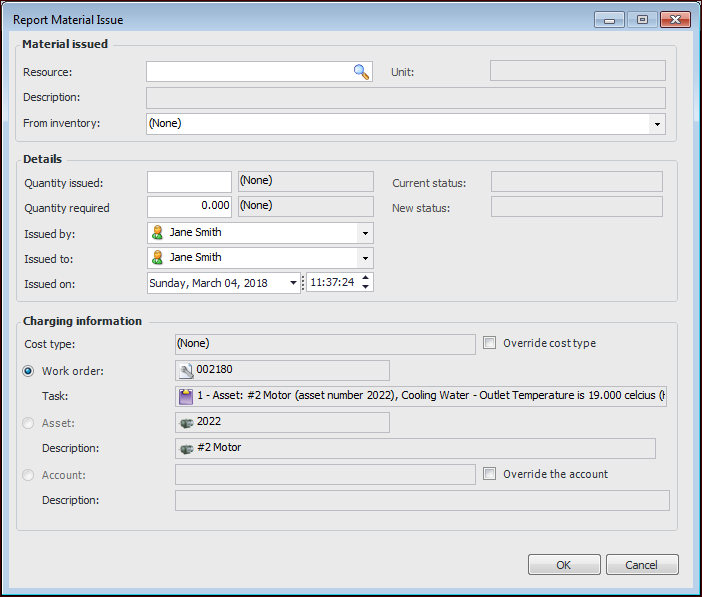
Open the Activity Report window and select the Resources Used tab, Materials tab. Click New Issue. The Report Material Issue dialog appears:
2.
In the Material issued area, complete the following information:
3.
In the Details area, complete the following information:
In the Charging information area, the work order, task, and asset are identified.
4.