
|
Closing a Work Order Group
To Close a Work Order Group
1.
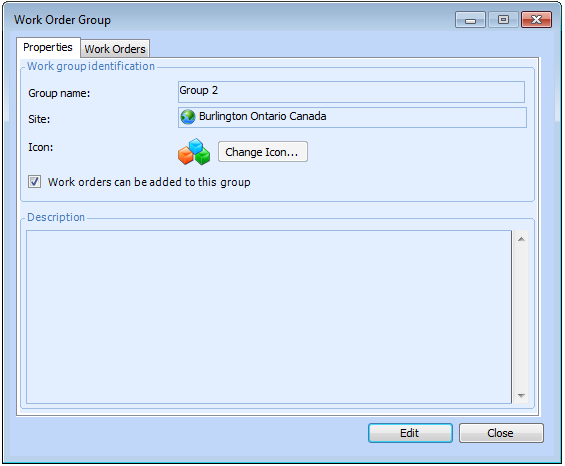
2. Select the Work Order Groups tab. This tab shows a list of the existing groups for the site. You can also view the groups for this site and above, or for this site and below by changing the setting in the bottom-left corner of the tab.Tip: The Work Orders tab lists all of the work orders currently in the group.
4.
5. Click Work orders can be added to this group to clear the option. The group is now closed and no other work orders can be added. Click OK.