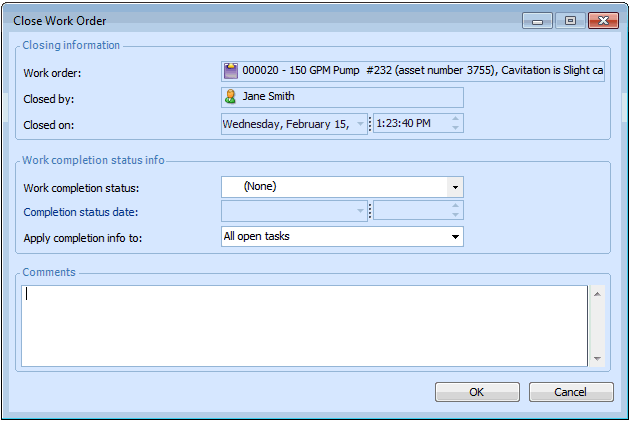
Closing a Work Order

This section explains how to close a work order. Closing a work order also closes all of the work order’s tasks. If there are any unprocessed activity reports, the system automatically processes them when you click OK on the Close Work Order dialog.

To Close a Work Order

1.
Select the site's Work Management view, Work Orders tab. This tab lists the open work orders for the site.
2.
Select the Work Orders tab. All open work orders will be shown in the list.
3.
Right-click the work order that you want to close, and select Close. The Close Work Order dialog appears.
4.
Select an appropriate status from the Work completion status list.
5.
6.
7.
APM reviews the work order's activity reports, and processes any unprocessed reports. The status of the work order and each task is set to “Closed”, and each task is updated with the information entered in the dialog. If there are any open purchasing documents associated with the work order, the system may notify the appropriate employees, depending on your site's settings.