
|
Canceling a Work Order Task
Tip: You can cancel multiple work order tasks at the same time from a list of work order tasks. Select the tasks, right-click, and then select Mark as Canceled. The information entered on the Cancel Task dialog is applied to all selected tasks.To Cancel a Work Order Task
1.
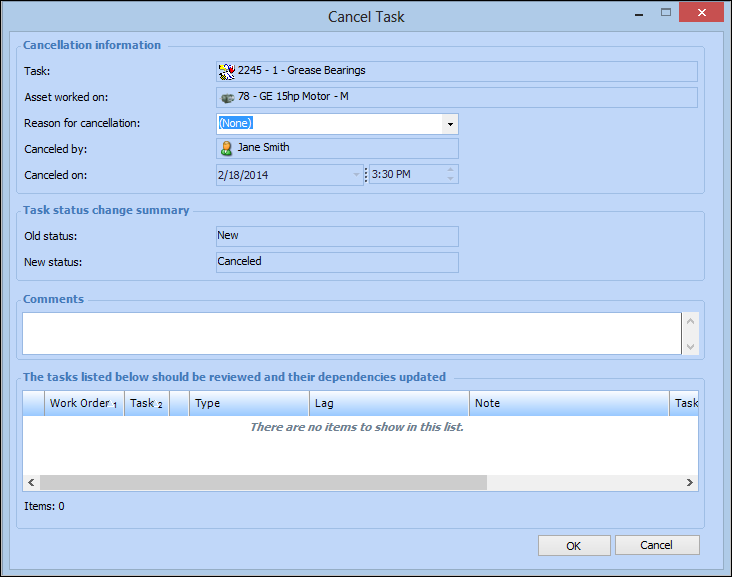
2. Right-click the task that you want to cancel and select Mark as Canceled. The Cancel Task dialog appears.
4. Click OK. The work order status changes to “Canceled”.
5. Select a Reason for cancellation from the list.
6. You can enter comments about the cancellation in the Comments box.
7. Click OK. APM changes the status of the task to “Canceled”.