
|
Canceling a Work Order
To Cancel a Work Order
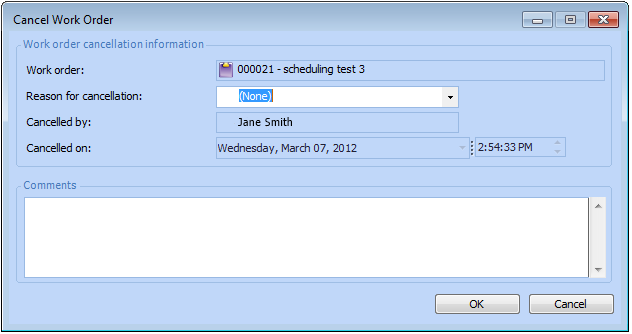
2.
3. Select a Reason for cancellation from the list.Tip: To add a new reason to the list, right-click in the Reason for cancellation box and select New. Enter the reason for canceling the work order, and then click OK.
4. You can enter comments about the cancellation in the Comments box.
5. Click OK. APM changes the status of the work order’s open tasks to Canceled.