Changing the Order of Columns in Table Configurations

You can determine the order that columns appear from left to right in a table configuration.

To Change the Order of Columns

1.
2.
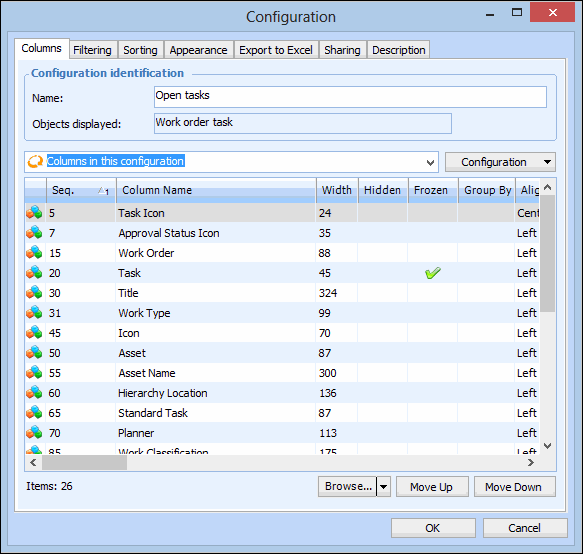
Click Configuration and then Open. The Configuration dialog appears, showing the Columns tab.
3.
Select each column you want to move and click Move Up or Move Down. The top column in the list will be at the left of the table, with each subsequent column appearing to its right.
4.
Click OK to save your changes.