|
Changing the Link Between a Task Template and a Standard Task
Note: Changing the task template link might result in some information being lost from the standard task.To Change the Link between a Task Template and a Standard Task
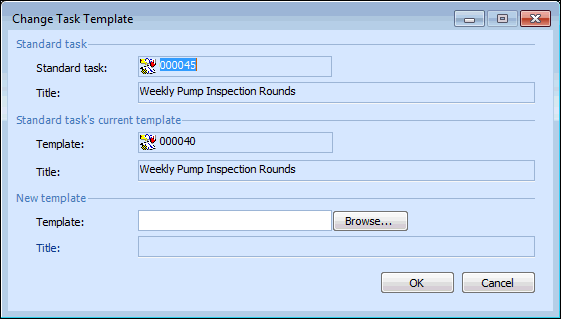
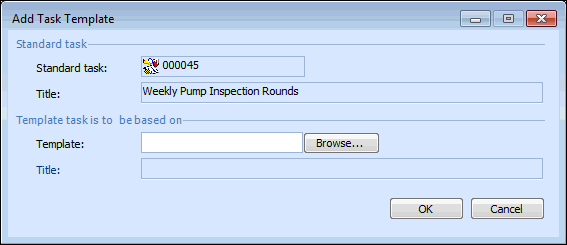
3. To change the task template, from the Tools menu, select Template and then Change. The Change Task Template dialog appears.To add a task template, from the Tools menu select Template and then Add. The Add Task Template dialog appears.
4. Click Browse. The Standard Task Selector dialog appears.
5. Select Task templates from the list of configurations. Select the task template that you want to link to the standard task and click OK.
6. Click OK to close the Change Task Template dialog or Add Task Template dialog. APM replaces the values on the standard task with the values on the selected task template.