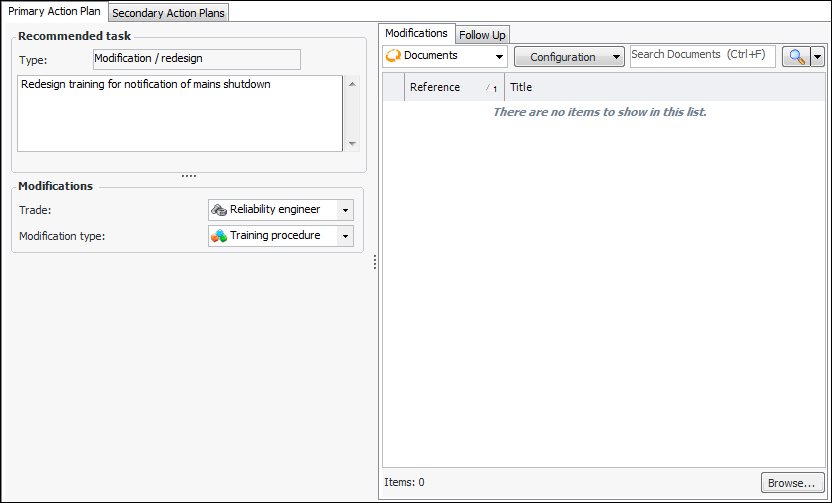
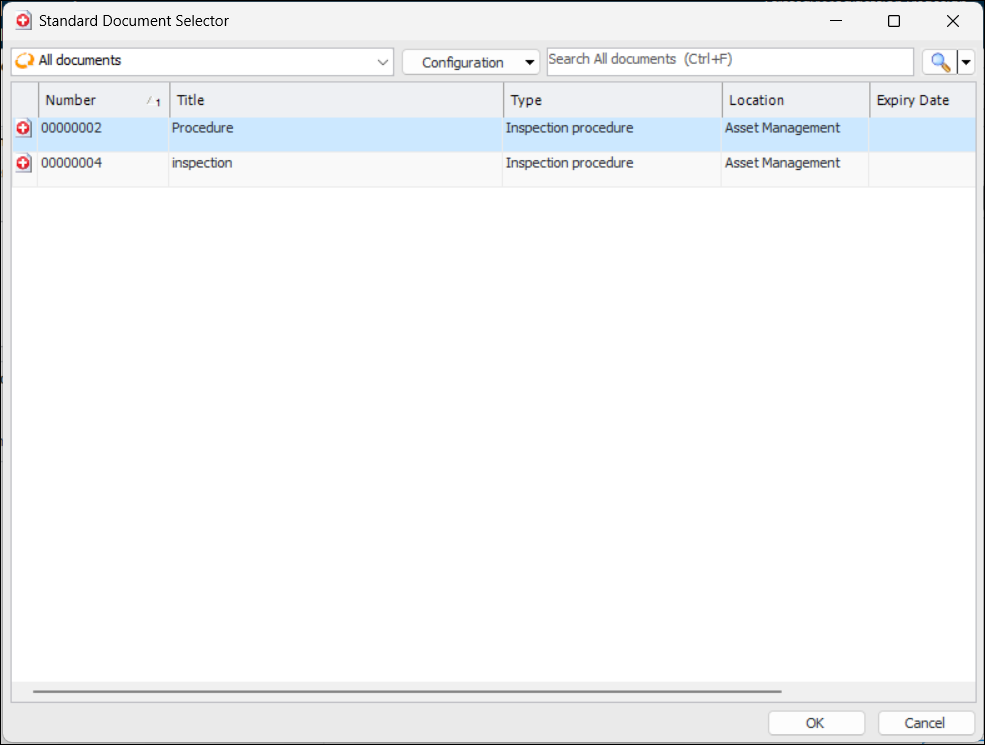
Concepts Tasks Settings Adding Standard Documents to CPR Action Plans Any primary or secondary action plan that recommends modification/redesign of the asset can have one or more standard documents assigned to it. For example, if a one-time modification is to train trades people to perform a new task, you can attach a standard document that describes the training prerequisites, objectives, and evaluation methods. Note: For information about adding documents to APM, see Creating a Standard Document. To Link a Standard Document to a Modification 1. Open the Maintenance Action Plan window. 2. Make sure that editing is enabled. 3. Select the Failure Mode view and the appropriate Action Plan tab. Note: The recommended task type must be Modification/redesign if you wish to assign a standard document to it. 4. On the Modifications tab, click Browse. The Standard Document Selector dialog appears. For example: 5. Select a document. 6. Click OK in the selector dialog. The document is added to the Modifications tab.



 is enabled.