|
Entering and Reviewing Comments on Current Practice Reviews
To Enter a Comment on a Review or Action Plan
• Review – Open the Strategy Development Analysis window, select the Properties view, and then the Comments tab.
• The Comments tab or view lists existing comments, showing who entered them and when, the responses, and their statuses.
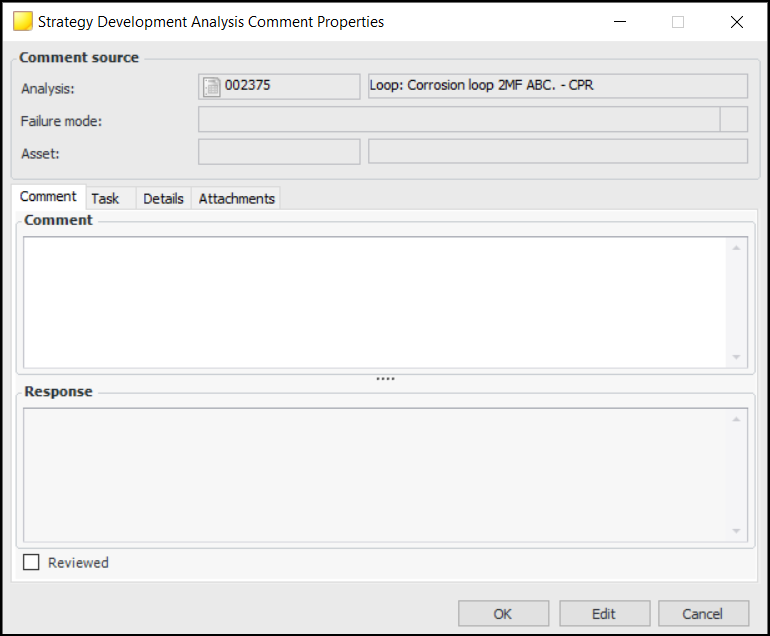
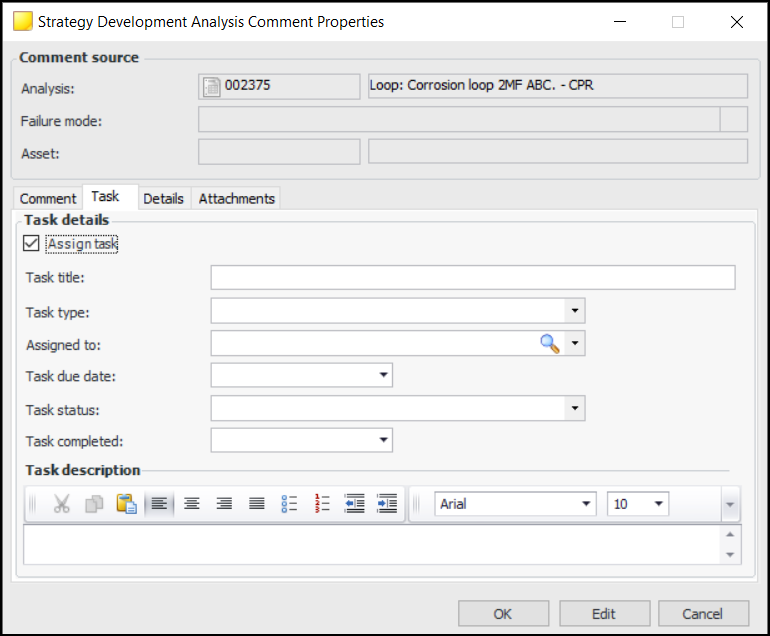
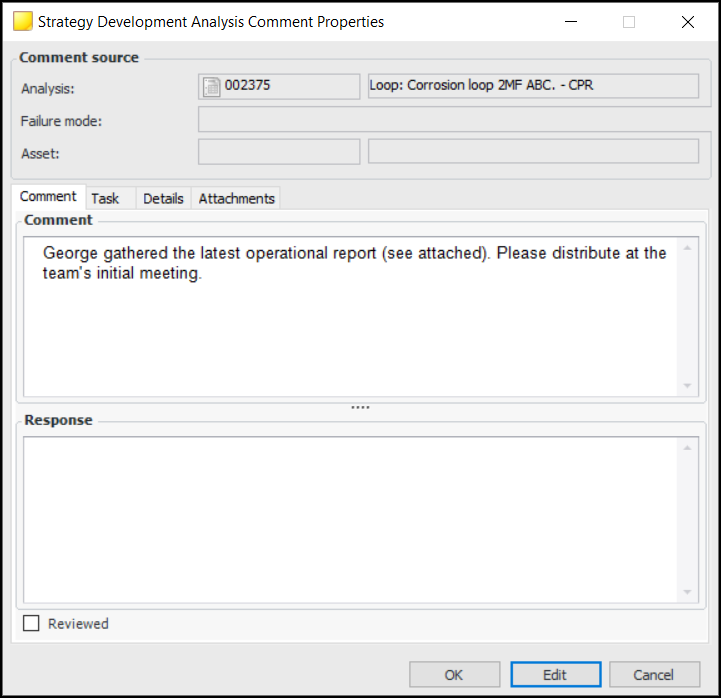
2. Click New to add a comment. The Strategy Development Analysis Comment window appears, where you can record information and add attachments. For example:
3.
5. Click OK to close the window.To Edit or Respond to a Comment
1. Double-click the comment in the Comments tab or view to open the window.
2. Click Edit to modify the comment, add a response, or mark the comment as reviewed. You can also add attachments and view details about the comment’s history.
3. Click OK to close the window.To Review, Delete, or Copy a Comment
1. To mark a comment as reviewed, select it in the Comments tab or view and click Mark as Reviewed. The Reviewed By, Reviewed On, and Reviewed columns are populated for that comment.
2. To delete a comment, right-click it in the Comments tab or view and click Delete. The comment is removed from APM.
3. To copy a comment, right-click it in the Comments tab and click Copy. The Comment window opens showing a copy of the original. When you are finished working with the comment, click OK to close the window.