|
|


Assigning Activities to a Mobile Device
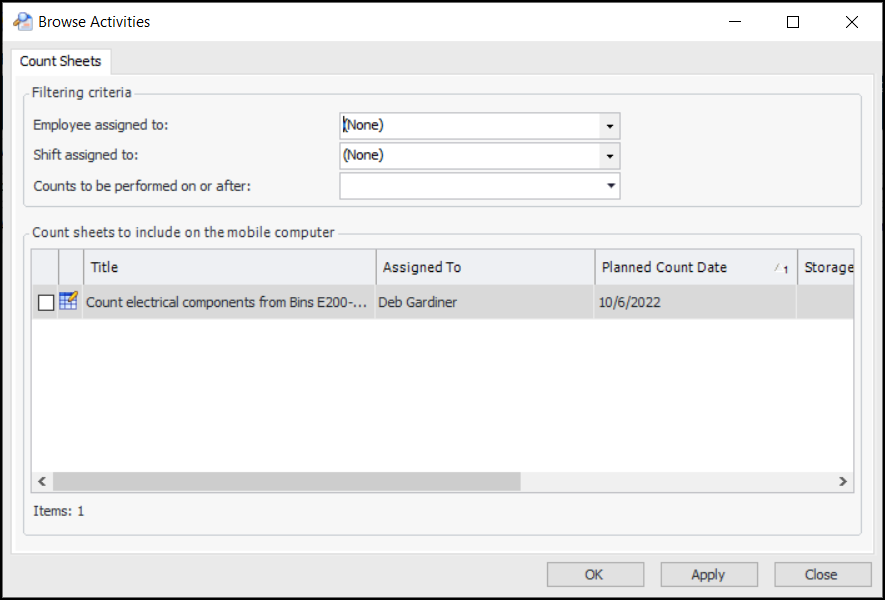
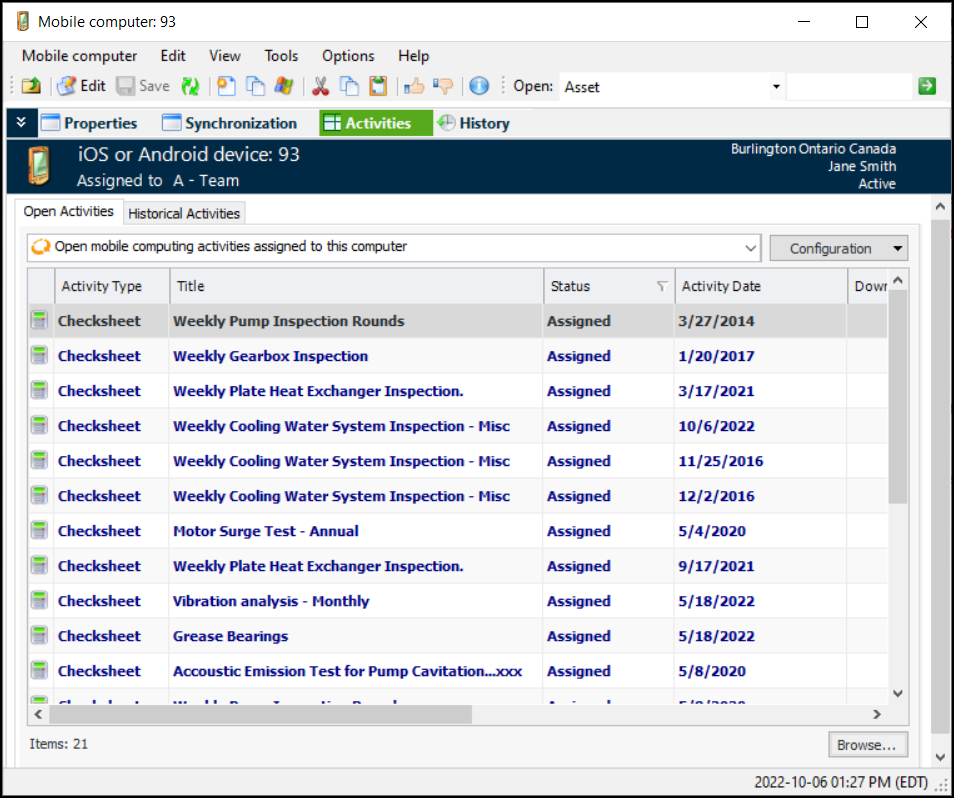
A mobile activity is a task that has been assigned to a mobile device to be carried out. There are two types of mobile computing activities:Checksheet activities can be created from work order tasks, standard jobs, and standard tasks. Count sheet activities can be created from prepared count sheets. You can view mobile activities created from all sources at the site level.You can assign existing activities to a mobile device. Mobile devices that have been assigned to inventory can only be assigned inventory (count sheet) activities. Mobile devices that have been assigned to maintenance can only be assigned maintenance (checksheet) activities.Tip: You can also set up standard tasks to have checksheet activities automatically assigned to mobile devices when work orders are triggered. For more information, see Setting Mobile Computing Options on a Standard Task.Tip: Another option is to set up standard tasks to automatically generate checksheets and mobile activities on a regular basis (using the Generate Standard Task Checksheets scheduled action) without the need for work orders. This is useful in integrated environments where it is not convenient to generate work orders in the CMMS. For more information, see Generating Checksheets from Standard Tasks.This topic explains how to assign activities to an inventory or a maintenance mobile device.To Assign Inventory Activities to a Mobile Device
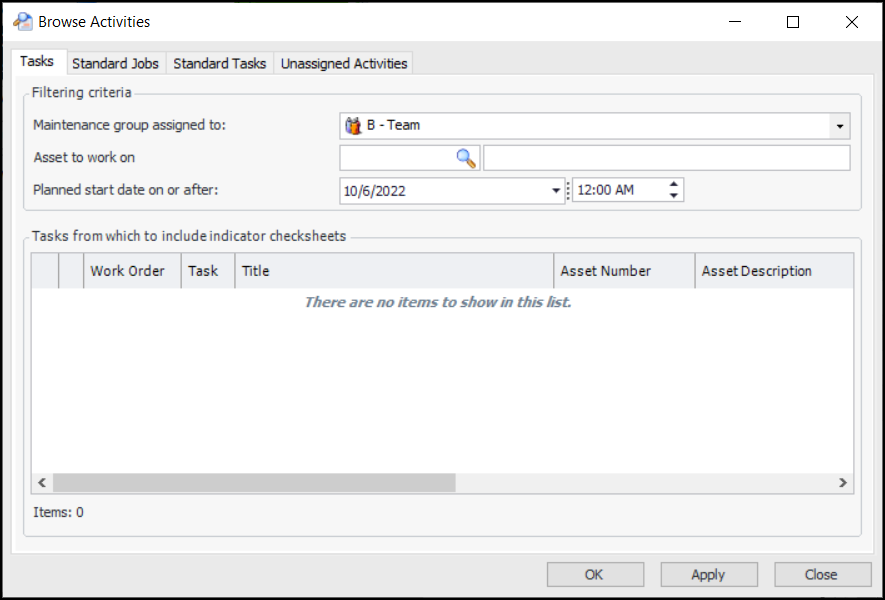
To Assign Maintenance Activities to a Mobile Device