Viewing System Information for Assets

System information can be viewed for an asset. If the asset classification is “System”, the system information is displayed to a maximum of five levels of descendants in its hierarchy. Likewise, if the asset is a descendant of a system, system information is displayed starting at the system asset, displaying a maximum of five levels in the hierarchy. For example, if the asset’s great-great-grandparent is a system, the system information starts at the great-great-grandparent asset.
This topic explains how to view the system information for an asset.

To View System Information for an Asset
1.
2.
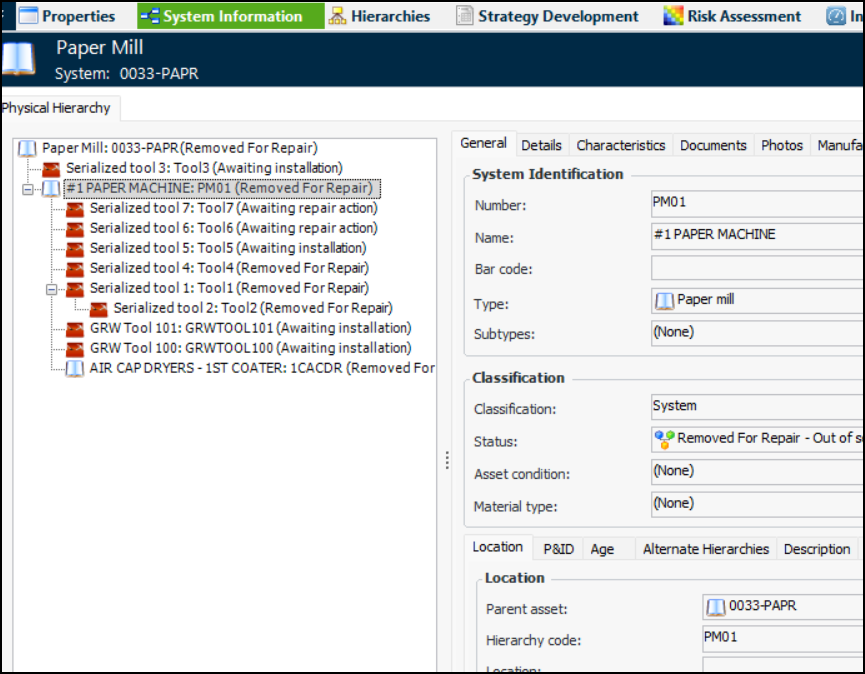
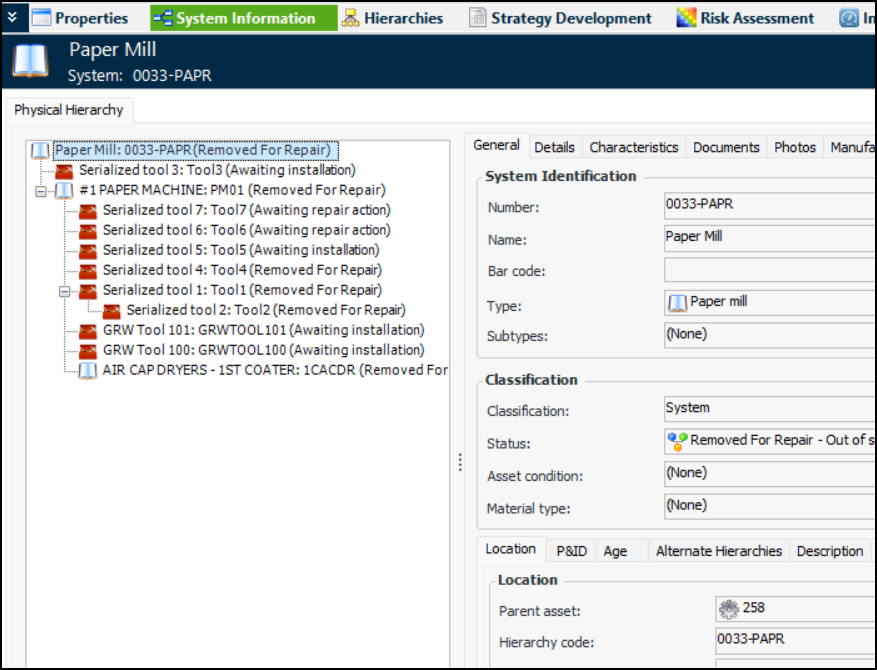
Select the System Information view. The Physical Hierarchy tab displays a system hierarchy on the left and the properties of the selected asset, on the right. For example:
3.
4.