|
Changing an Asset’s Primary Function
To Change an Asset’s Primary Function
1. From the site’s Assets view, open the asset.
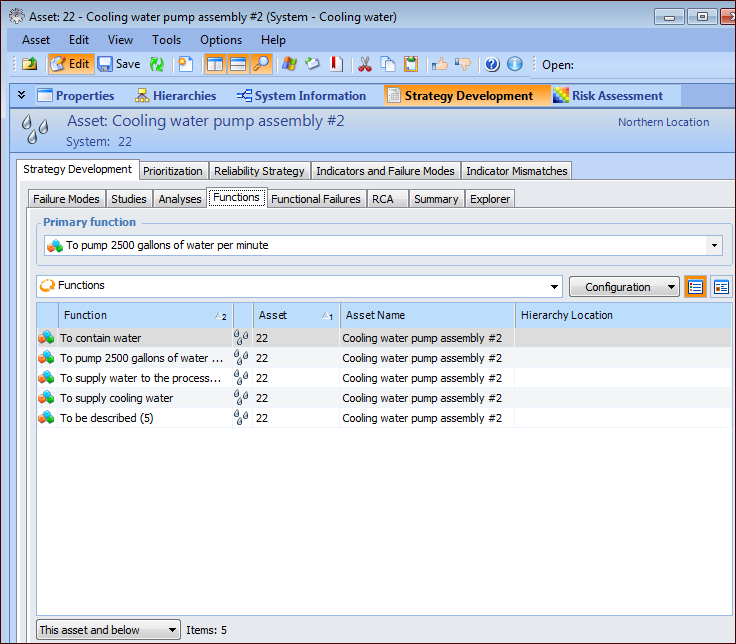
3. Select the Strategy Development view, Strategy Development tab, and then the Functions tab. This tab displays the asset’s primary function and functions. For example:
4. In the Primary function list, select a function.