Adding Purchase and Manufacturer Information to an Asset

On the asset record, you can record information about the manufacturer of the asset, any warranties for the asset, and the purchase of the asset. You can enter this information for maintainable, system, sub system, and component assets only. This topic explains how to add this information to an existing asset.

To Add Manufacturer and Purchase Information

1.
2.
3.
On the Properties view, select the Manufacturer tabs.
 
o
4.
In the Source of manufacturer’s information area, select one of the following:
Defined on this asset: The manufacturer information is entered by the user on this asset.
Manufacturer model info: Select the manufacturer and model from a pre-defined list in the system.
5.
6.
If you selected Defined on this asset, enter the model, OEM number, serial number, year and month of manufacture, manufacturer’s country, and expected life information. You can add more information in the Notes box.
If you selected Manufacturer model info, select the model from the list and enter the serial number. The manufacturer’s OEM number, year of manufacture, expected life information, and replacement cost are entered automatically, if available. You can enter the month of manufacture and the manufacturer’s country if available.
7.
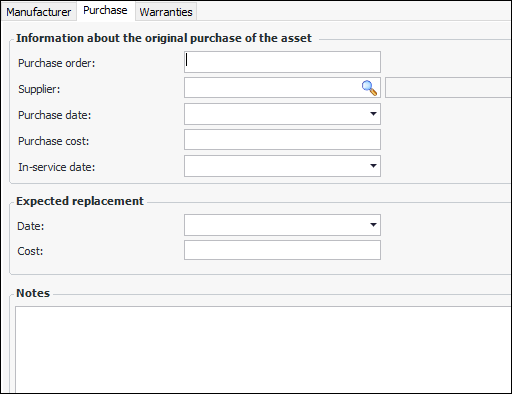
Select the Purchase tab.
8.
9.
10.