
Viewing Where an Employee is a Substitute Approver

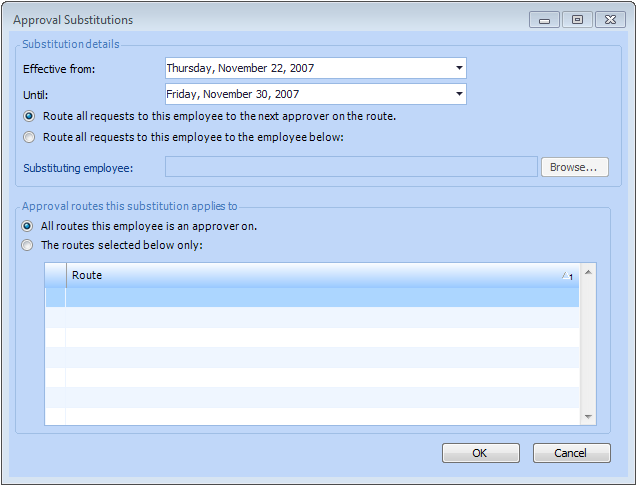
You can view where and when an employee is substituting for another approver on an approval route.

To View Where an Employee is an Substitute Approver
1.
Select the site’s Approvals view, Approver Substitutions tab. This tab lists all substitute approvers sorted by effective date.
2.
3.
Click OK to close the dialog.