|
|


Viewing Approval Requests
Viewing Your Approval Requests
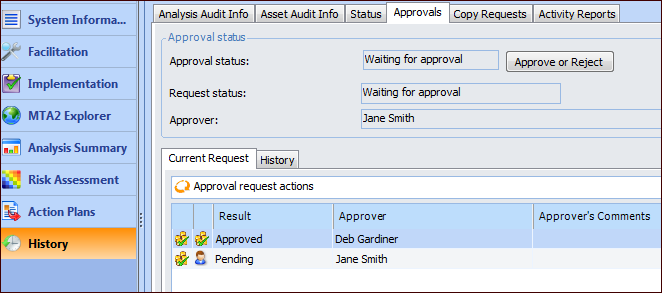
There are two ways to view requests waiting for your approval, as well as a history of your approval requests: from the My Desk or the Approvals view for the site.Tip: If a My Desk view has been defined for approvals and added to your employee record, you can select the My Desk view and the appropriate tab to see the approval requests assigned to you.Select the site’s Approvals view, Waiting to be Approved tab. By default, this tab displays all documents waiting for your approval.Viewing All Approval Requests
You can view approval requests for all document types in all stages of the approval process. Select the site’s Approvals view and the Requests tab. This tab lists requests for all document types. APM provides configurations for open requests and all requests.Viewing Approval Requests for Document Types
Document approvals can be viewed from the site’s view for the document. For example, select the site’s Work Management view, Work Orders tab, and then the Work Orders tab.