
Viewing Approval Routes for an Employee

You can view the approval routes for which an employee is an approver.

To View Approval Routes for an Employee
1.
Select the site’s Personnel view, Employees tab, and then the Listing tab.
2.
3.
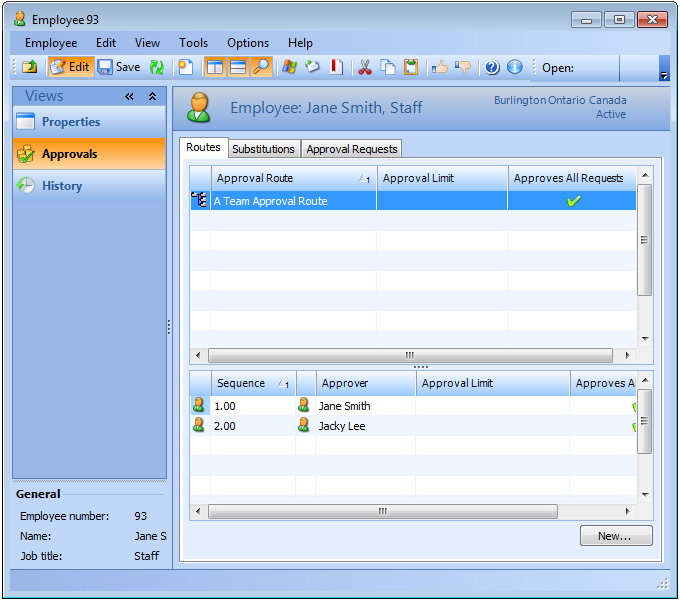
Select the Approvals view and then the Routes tab. The table shows the approval routes for which the employee is an approver.