Viewing Approval Routes for an Asset

You can view the approval routes on which an asset and its descendants are listed.

To View Approval Routes for an Asset

1.
2.
3.
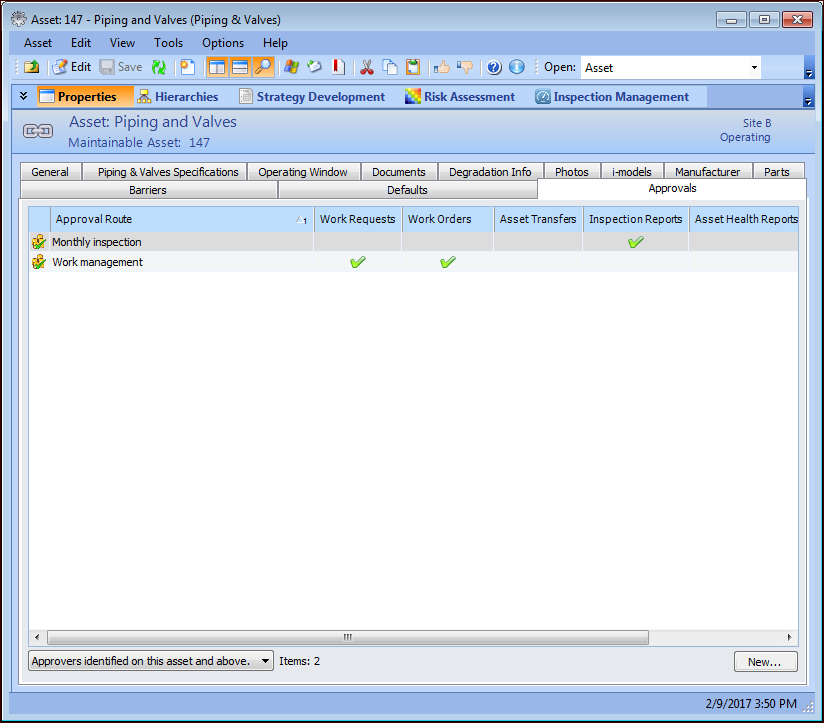
Select the Properties view and the Approvals tab. The list of approval routes for this asset appears.
The Approvals tab displays the approval routes that include the asset and the types of documents approved. You can adjust the display by selecting an option from the list at the bottom of the tab.