Deleting a Substitute Approver

When a substitution is canceled, approval requests that have already been routed to the substitute are not affected by the cancellation. To re-route these requests, the substitute can access the requests and forward them to the original approver (that is, the employee for whom the substitution was created). Requests sent after the substitution is canceled are routed to the original approver.
For example, James is away on vacation and approval requests are re-routed to Rob. When James returns, he cancels the substitution and new requests are sent to him. Requests that were sent to Rob while James was away and are still waiting for approval are not automatically sent to James.

To Delete an Approval Substitution

1.
Select the site’s Personnel view, the Employees tab, and then the Listing tab. The employee list appears.
2.
3.
4.
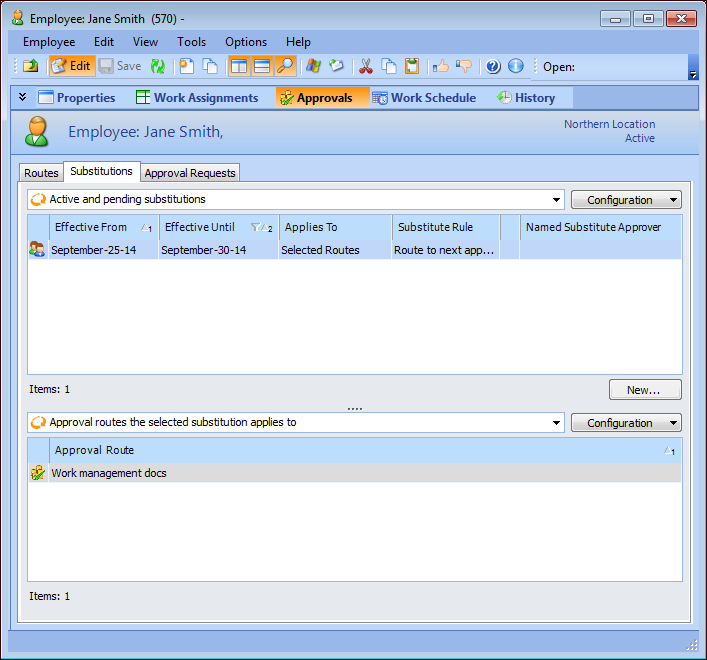
Select the employee’s Approvals view and then the Substitutions tab. The list shows the active and pending substitutions for the employee.
5.
Right-click the substitution and click Delete. In the message dialog that appears, click Yes. The substitution record is deleted.
6.