|
Analyzing Bids to Find the Best Supplier For Each Resource
This topic explains how to analyze the bids for each resource on an RFQ. To analyze the bids for the whole RFQ, see Analyzing Bids to Find the Best Supplier For an RFQ.To Analyze Bids for a Resource
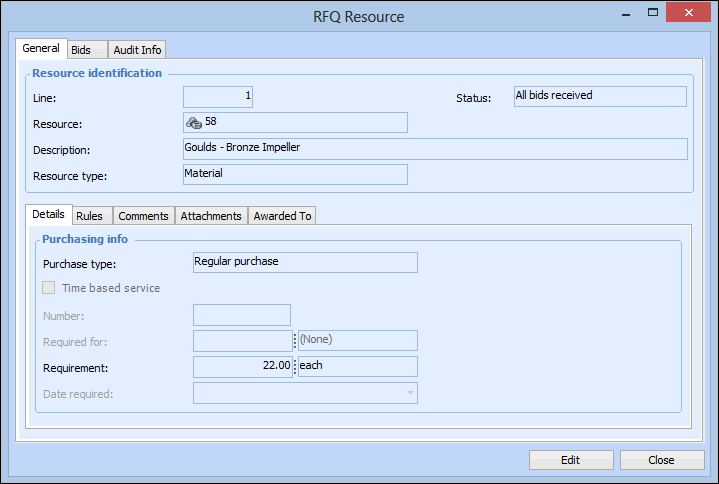
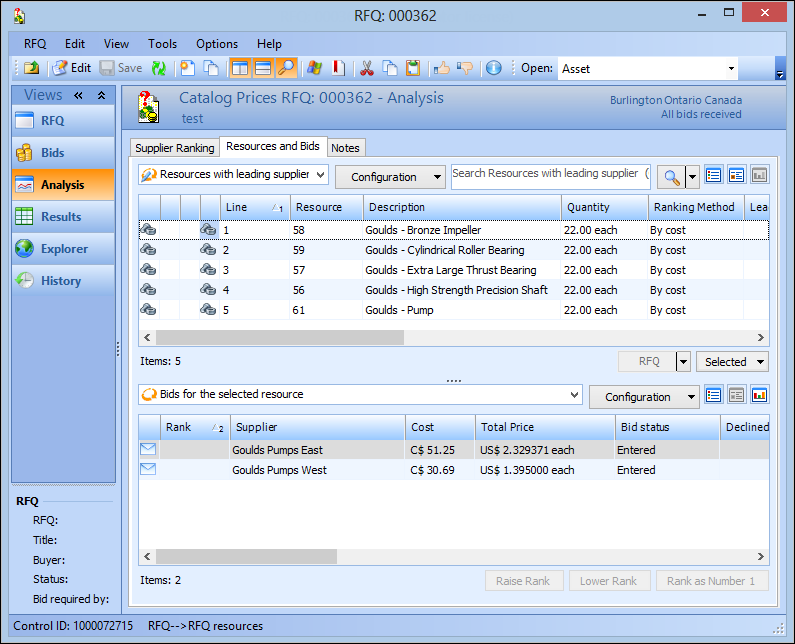
2. Select the Analysis view, and then the Resources and Bids tab. This tab displays a list of the resources on the RFQ. The currently selected ranking method for each resource is displayed in the Ranking Method column.
4.
5. Click OK.
6.
7. When all of the resources have the appropriate ranking method, on the Resource and Bids tab, click the RFQ list, and Rank Bids.
8. In the confirmation dialog, click Yes. The system analyzes each bid and selects a leading supplier. The leading supplier for each resource is now listed on the table.