Adding Notes to a Supplier

You can record notes about a supplier in the system. For example, you might enter a note to document the supplier’s performance.
If appropriate, you can add a reference on the note to a relevant resource transaction, one or more purchase orders, or one or more resources.

To Add a Supplier Note

1.
2.
3.
Select the Notes view.
4.
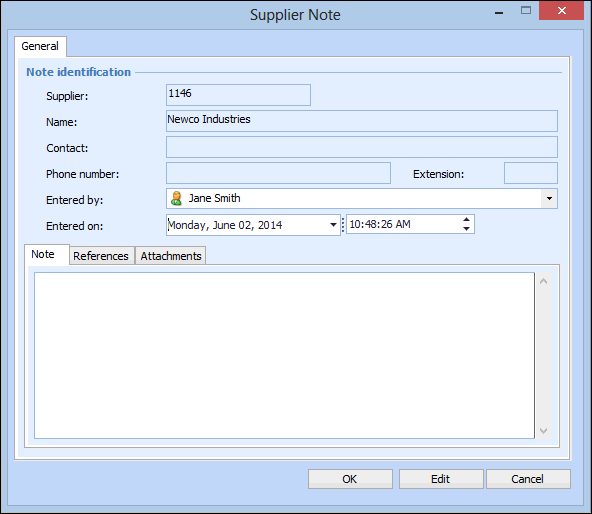
On the Notes tab, click New. The Supplier Note dialog appears.
5.
Ensure that the Entered by and Entered on information is correct.
6.
Type your note in the Note section at the bottom.
7.
8.
To select a transaction, click Browse in the Transaction section. A selector dialog appears with a list of transactions that are related to the supplier. Select the appropriate transaction in the list and click OK.
9.
To select a purchase order, click Browse in the Purchase Orders section. A selector dialog appears. Select the appropriate purchase order in the list and click OK.
10.
To select a resource, click Browse in the Products and prices section. A selector dialog appears. Select the appropriate supplier resource in the list and click OK.
11.