|
Adding Lines to a Blanket Order
To Add Lines to a Blanket Order
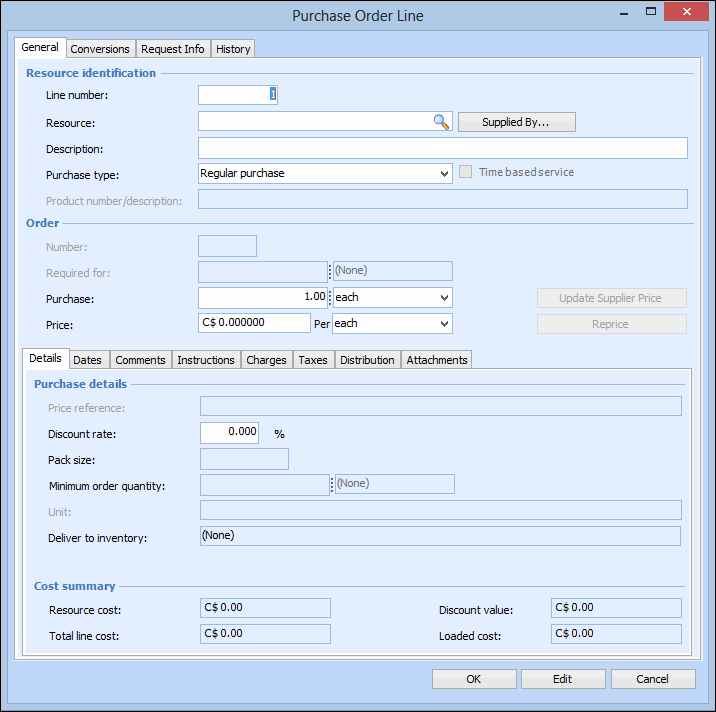
2. Select the Lines tab.
3. Click New. The New Purchase Order Line dialog appears.
4. Select the Resource that you want to purchase.Browse to search for a resource in the catalog, or click Supplied By to search for a resource supplied by the selected supplier.
5. If you have selected a resource that is not yet entered as a supplier resource for the supplier, the Resource box is red-lined. To create the supplier resource, click New Supplied Resource. Complete the New Supplier Resource dialog, and click OK.
6.
7. Enter the Delivery information.
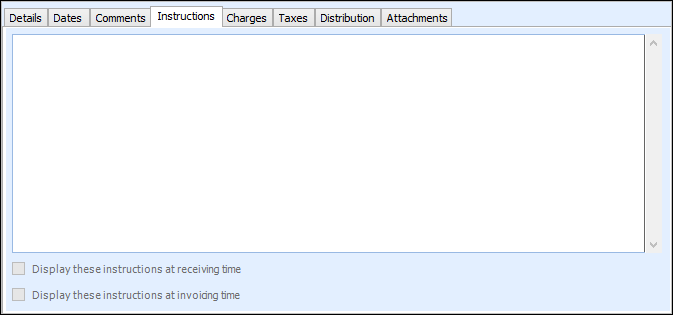
8. Select the Instructions tab.
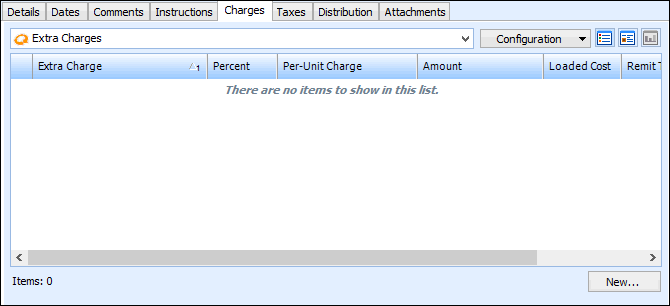
10. Select the Charges tab to enter extra charges.
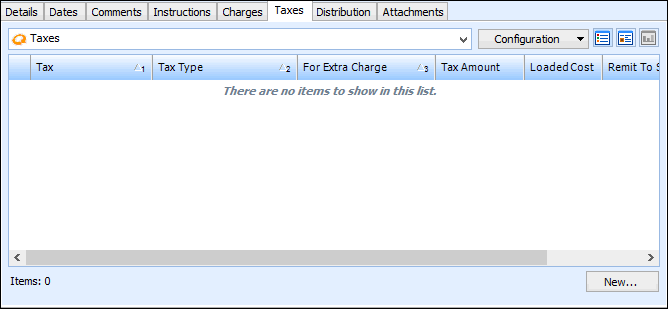
11. Select the Taxes tab to enter taxes.
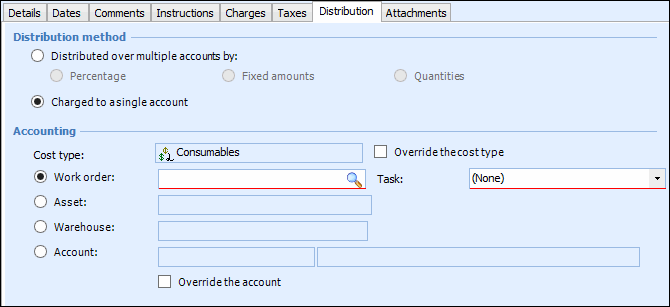
12. Select the Distribution tab.
14. Click OK to save and close the blanket order line.