|
|


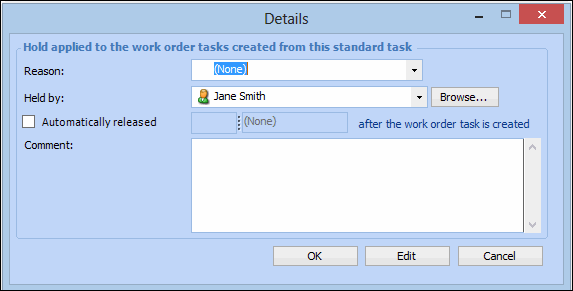
Adding Holds to a Task Template
You can apply any changes that you make to the task template to the standard tasks that are based on it. For example, if you add a new hold to the task template, you can add the hold to all of the standard tasks that are based on the task template. For more information about applying changes, see Editing a Task Template.To Add Holds to a Task Template
 is enabled.