Adding Alternate Addresses to a Supplier Record

Suppliers can have multiple addresses. For example, you might want to record a supplier’s shipping address, payment address, or an old address.

To Add Addresses to a Supplier Record

1.
2.
3.
On the Properties view, select the General tab, and then the Address tab. This tab shows the supplier’s primary address information.
4.
Select the Alternate Addresses tab. The tab lists any existing alternate addresses.
5.
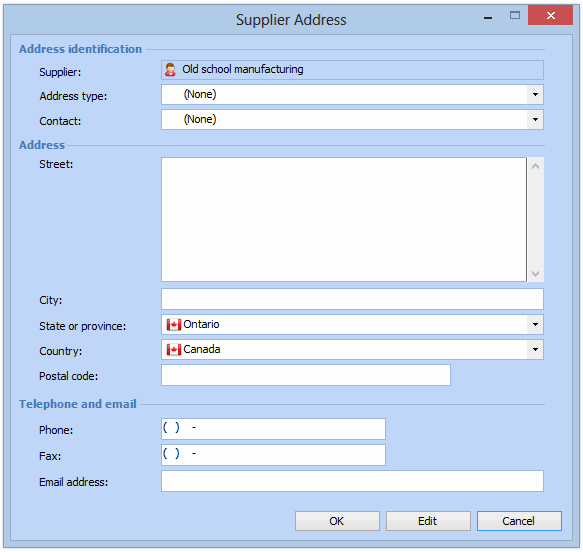
To add an address, click New. The Supplier Address dialog appears.
6.
7.
8.
Complete the Street, City, State or province, Country, Postal code, Phone, Fax, and Email address information, as appropriate.
9.
10.