
|
Adding Map Layers to a Configuration
To Add a Map Layer to a Configuration
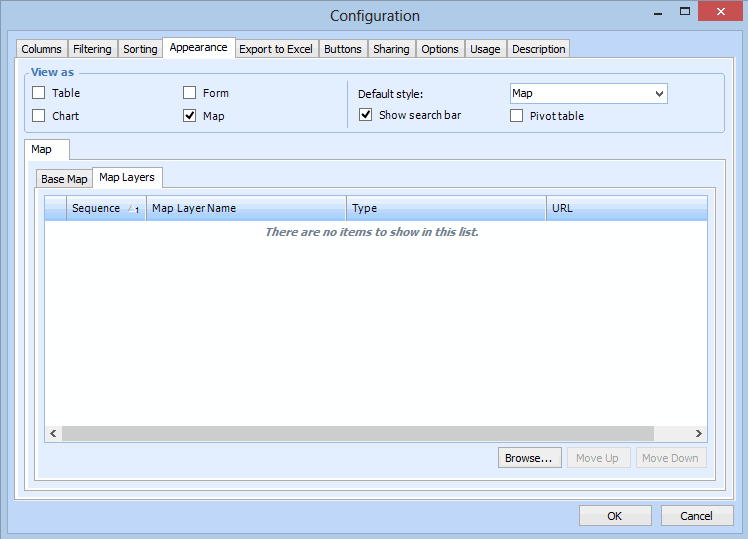
2.
3. Click Browse. The Browse Web Feature Services dialog appears.
4. Select each web feature service that you want to include as a layer on the map, and click OK. The web feature services are added to the list.Tip: APM Administrators must define map layers via the Customization Center view, Map Layers tab. For more information, see Defining Map Layers.
5.