|
Adding Manufacturer Information to a Resource Bid
After you have awarded the bid and the supplier resource prices have been created, you can enter the manufacturer information on the price. For more information, see Entering Manufacturer Information for a Supplier Resource.To Add Manufacturer Information
3. Select the Bids view.
6. Select the Manufacturer/Product tab.
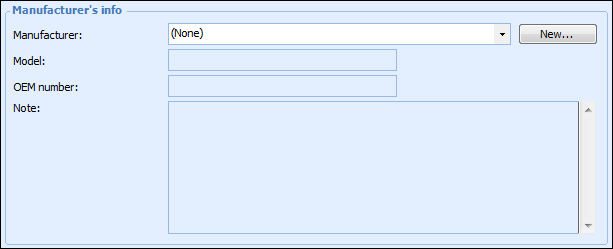
7. If not, click New to add a manufacturer. The Resource Manufacturer dialog appears.
8. Select the Manufacturer of the resource. You can select from the list of manufacturers that have been entered for your site. Enter the manufacturer’s model number, OEM number, and any notes.
9. If this is the normal manufacturer of this resource used at your site, click This is the normal manufacturer of this resource.
10.
11. Select the new manufacturer in the Manufacturer list.
13. When you are finished, click OK to save and close the Bid Information dialog.