|
Adding Tasks to an Availability Schedule
To Add Tasks to a Schedule
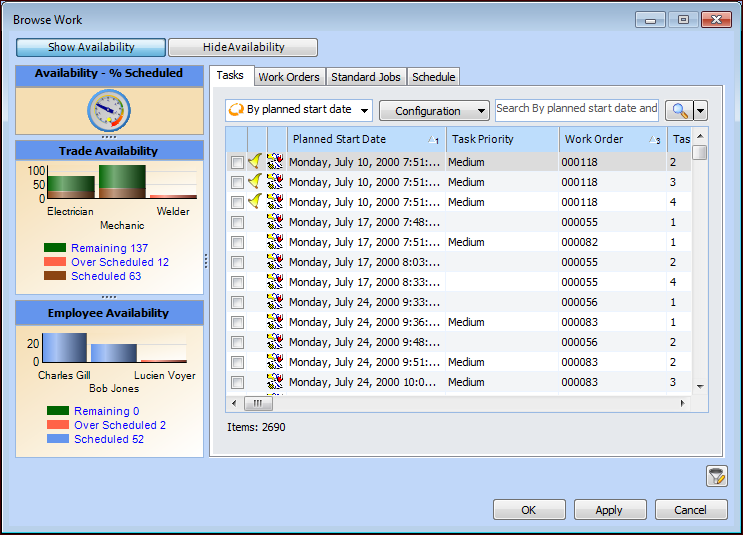
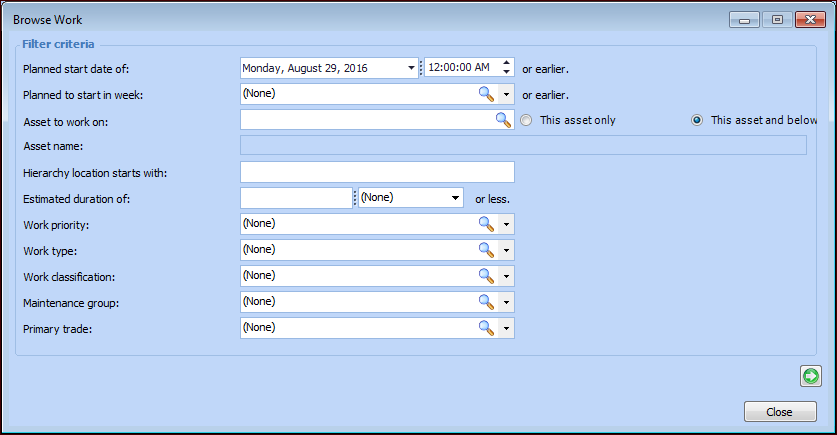
2. On the Worksheet view, select the Entries tab, and then click Browse. The Browse Tasks for Scheduling dialog appears. For example:
4.
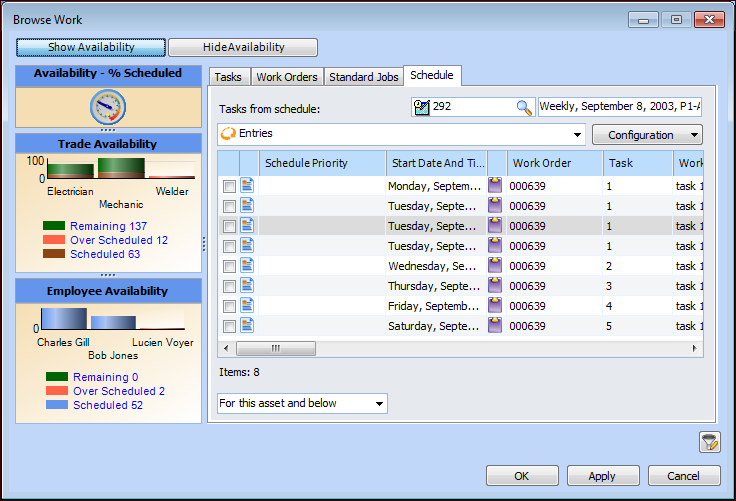
5. To select tasks on another schedule, select the Schedule tab. Click the browse icon to select the schedule and click OK. The tasks are added to the table. For example:
6. When you have selected your tasks, click OK. APM adds the selected tasks to the schedule. If you selected any standard jobs, APM creates work orders from the jobs and then includes the new work order tasks on the schedule.