|
|


Creating a Request for Work from a Checksheet
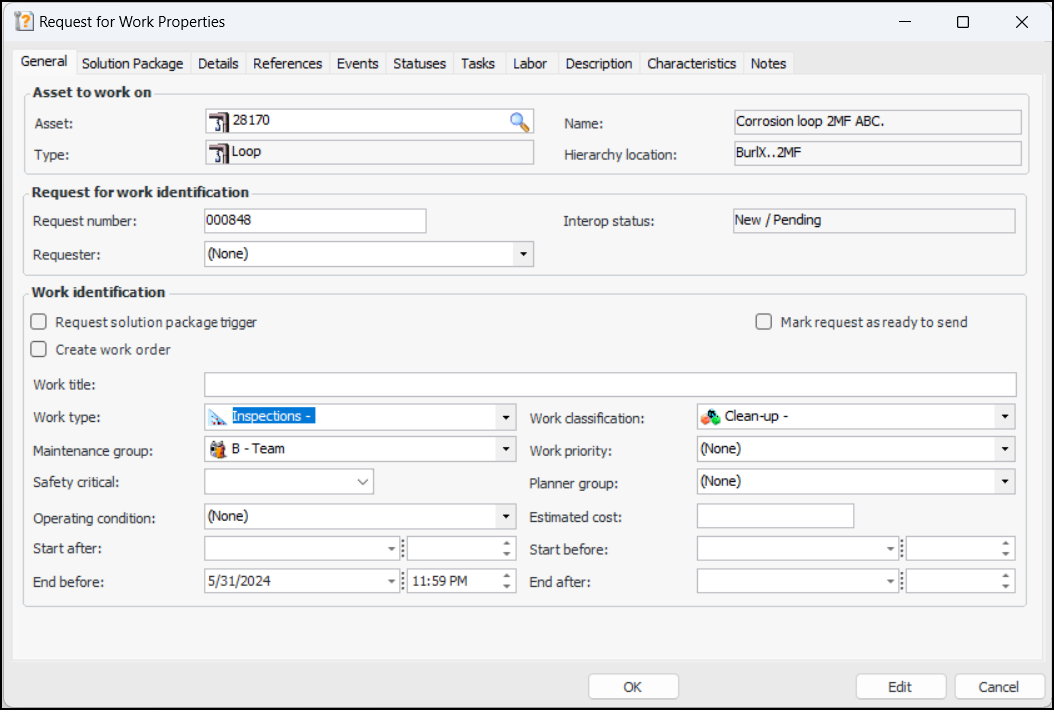
There are several ways to create requests for work. This topic explains how to create one or more requests for work from an indicator checksheet in APM or APM Remote. To view a checksheet’s requests for work, select the Readings view and the Requests for Work tab.This topic explains how to start a request for work from an indicator checksheet. For comprehensive information about creating requests for work, see Creating a Request for Work from Scratch.Requests for work can also be generated automatically from checksheets on a regular basis. To do this, set up the Generate Checksheet Requests for Work scheduled action. The triggering horizon is set in the Site Interoperability Profile. For more information, see Creating a Scheduled Action and Setting up Site Interoperability Profiles for AWEIS.To Create a Request for Work from a Checksheet