Viewing AWEIS Objects in APM

When AWEIS has been implemented with APM to exchange data with your CMMS, the APM UI changes accordingly, depending on the site interoperability profile. This topic explains:
Tip: For information about viewing construction management activities, see Reviewing Construction Activities.
In most cases, the information that you see in APM about objects that originate in the CMMS is read-only. This means that you cannot change the information. Instead, changes to the object occur in the CMMS and are sent to APM by interop messages. Objects that cannot be created directly in APM include:

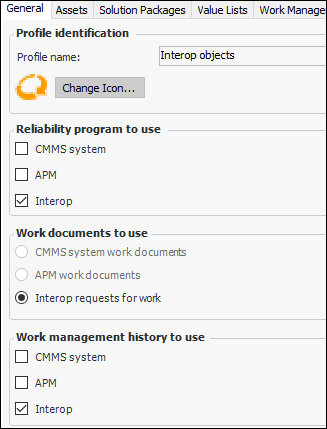
Site Interoperability Profile Settings

The site interoperability profile determines which objects are shown in APM.
The following sections assume that a profile that shows interop documents is active.

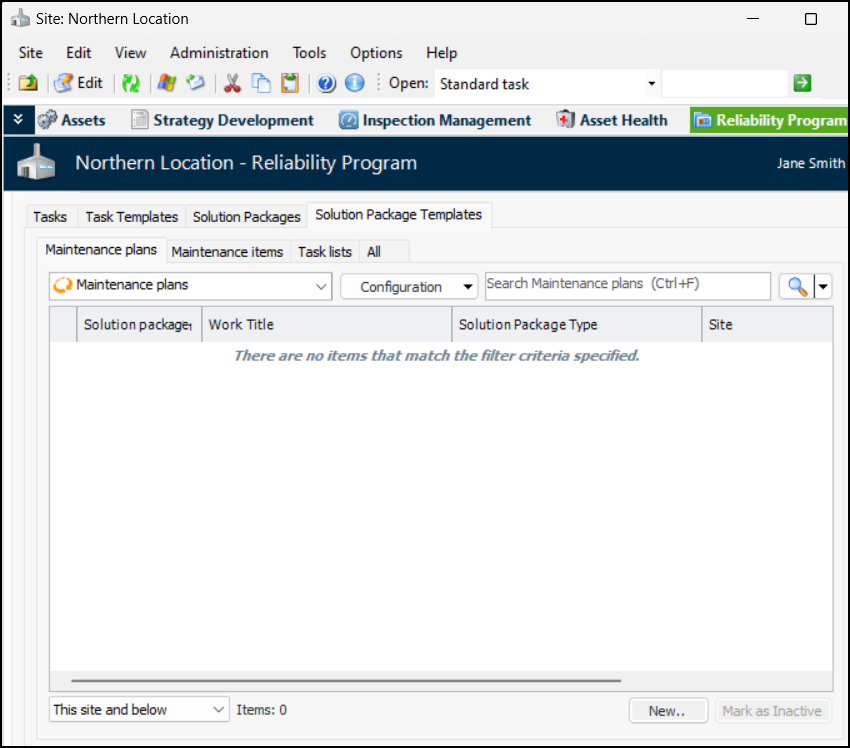
Viewing Solution Packages

Select the site’s Reliability Program view and Program tab to view standard tasks, solution packages, and more:
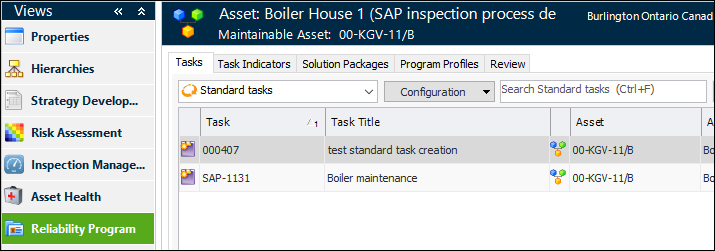
In an Asset window, select the Reliability Program view to see the asset’s standard tasks, task indicators, solution packages, and program profiles:

Viewing Interop Work Documents

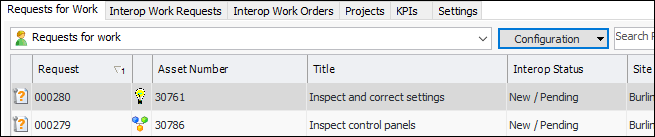
Select the site’s Work Management view to see requests for work, interop work requests, interop work orders, and more:
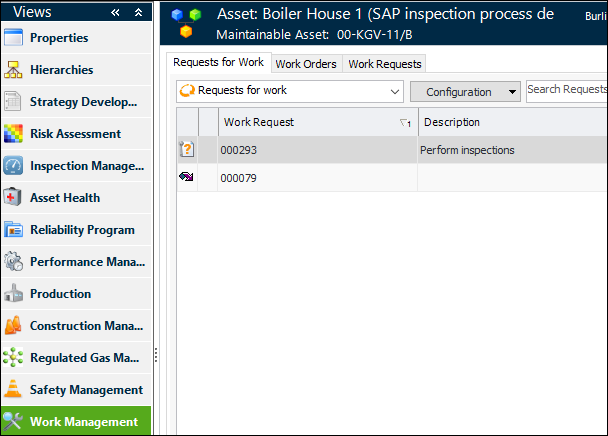
In the Asset window, select the Work Management view to see the asset’s requests for work, interop work orders, and interop work requests:
The Settings tab contains the Work Management tab, where you can define value lists and settings for interop work documents.