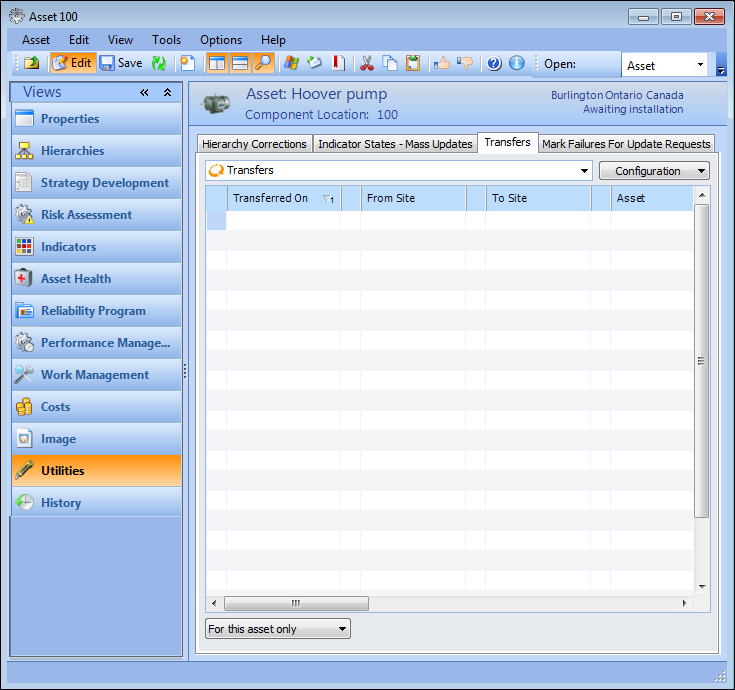
Concepts Tasks Settings Viewing Asset Transfer History When assets are transferred from one site to another, their work history follows them so that the new site knows what work has been performed. As well, APM tracks the various sites that have owned the asset over its lifetime. You can view asset transfer history for more information. To View Asset Transfer History 1. Open the asset and select the Utilities view. Select the Transfers tab. For example: 2. Review the asset transfer history. You can scroll to see all transfers that have involved this asset, including the transferring and receiving site, the transfer and receipt dates, and the employees who transferred and received the asset.