|
Adding Assets to a Restoration Plan
Tip: To remove an asset from a restoration plan, locate it in the Assets tab, right-click, and click Delete. The asset is removed from the plan.To Add Assets to a Restoration Plan
1.
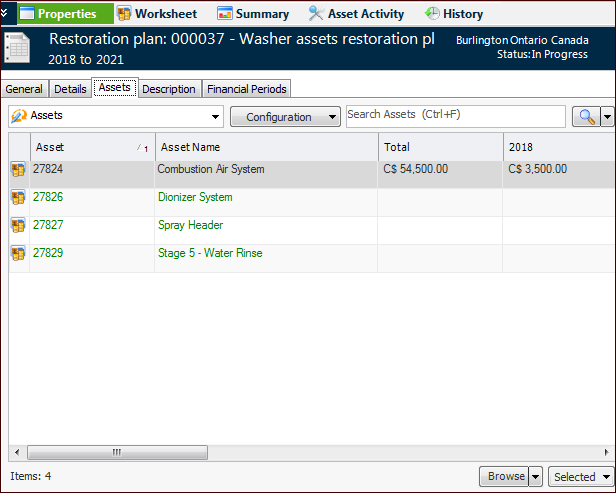
3. Select the Assets tab. This tab lists the assets, their spending plans, and identified work. For example:
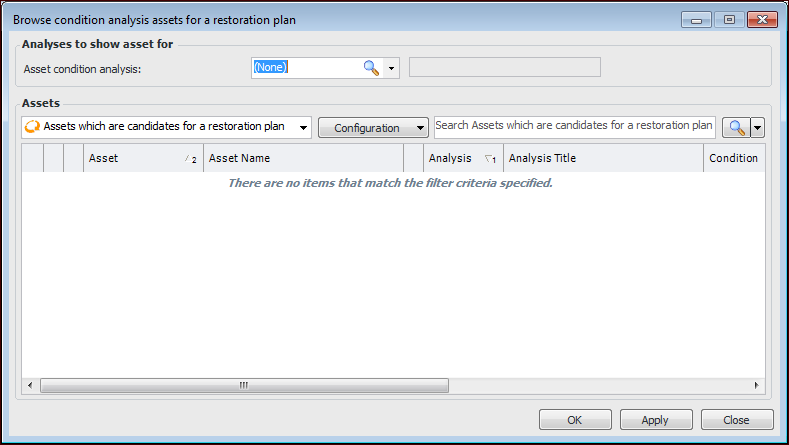
4. To add assets from an asset condition analysis, click the Browse list and then Analysis Assets. The Browse Condition Analysis Assets dialog appears:
• Select one or more assets and click OK. The assets are added to the restoration plan.
5.