|
|


Viewing a Failure’s Anomaly Events
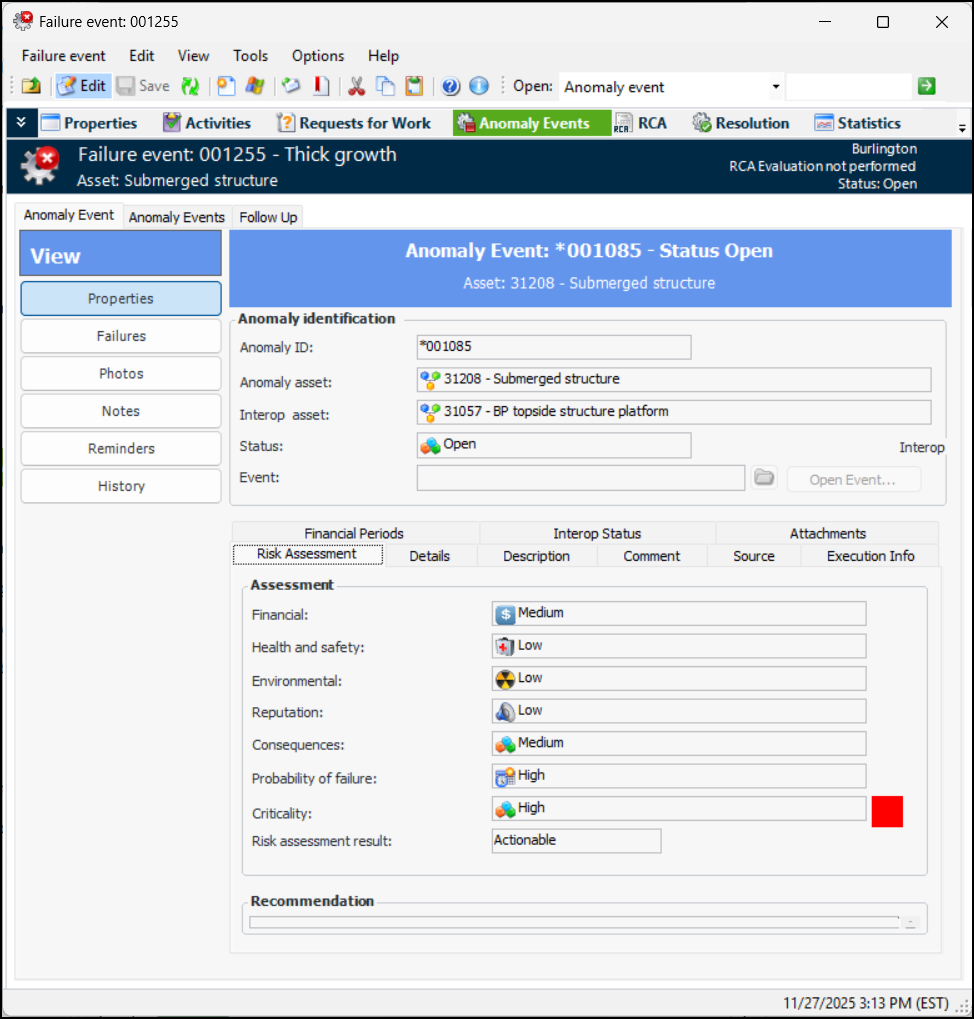
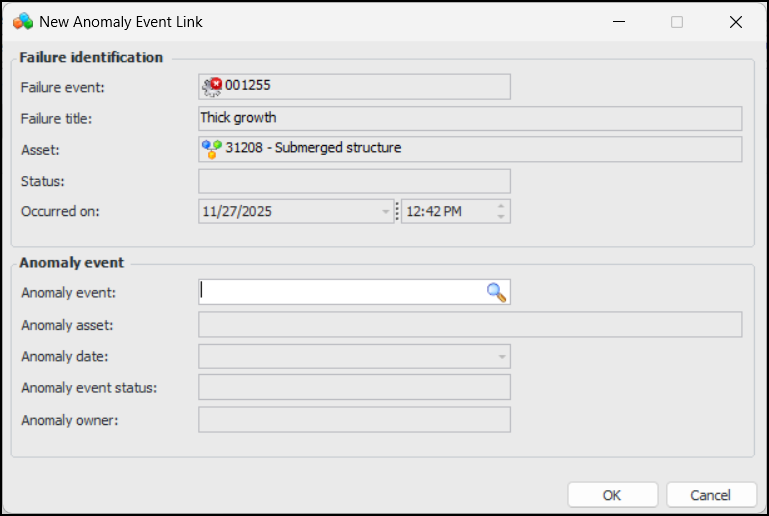
When an anomaly event is created, a failure record is almost always created at the same time. The anomaly event is used to integrate with the AA&T system, while the failure event provides functionality not available in the AA&T system. The Anomaly Events view in the Failure Event window provides one location where you can add links to anomaly events and view information about anomaly events.To View a Failure Record’s Anomaly Events