
|
Viewing Asset Health Readings from the Site
To View Asset Health Readings from the Site
1. The By Asset tab: This tab lists the hierarchy of assets for the site. Select an asset from the asset hierarchy tree on the left. By default, all asset health readings for the selected asset and below appear in the table on the right.The Readings tab: This tab lists the asset health readings for the selected asset and below. By default all asset health readings for this site and below appear in the table.
3. To view asset health readings for selected asset and above or for selected asset only, select the appropriate option from the list.
4.
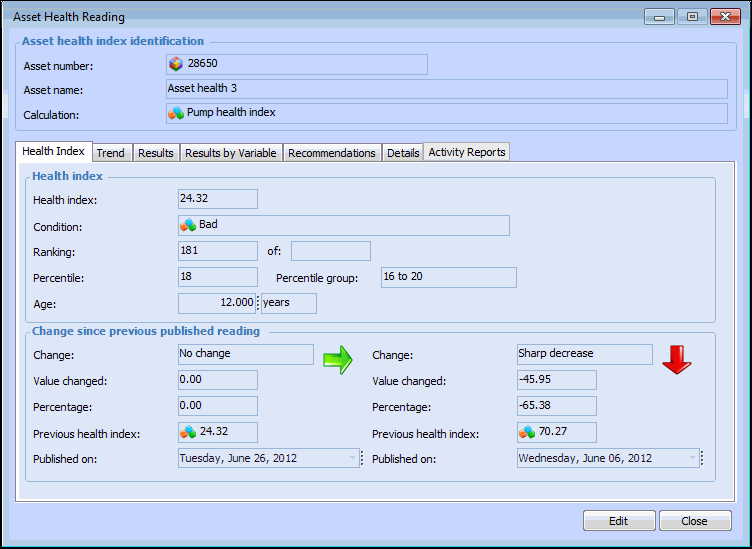
5. On the Health Index tab you can see the health index value, its condition, its ranking and percentile among assets in that index, and its age at the time of the reading. A comparison of the change between the last two published readings is also shown.
6. Select the Trend tab. By default, this tab lists published readings for the asset. To view all readings, select All readings from the configuration list.
7. Select the Results tab to view details including the value, type, condition, status, data availability information, and calculated value results.
8. Select the Results by Variable tab to view the result for each variable that was used in the calculation.
9. Select the Recommendations tab to view any recommendations entered for this reading.
10. Select the Details tab to view details entered for this reading including the names of the report definition, asset, calculation, and report, and the report status.
11. Select the Activity Reports tab to view a list of asset activity reports in which this reading is included.