Viewing Most Recently Published Reports

You can view published reports for which an asset health report definition was used.
This topic describes how to view most recently published reports for an asset health report definition.

To View Recently Published Reports

1.
2.
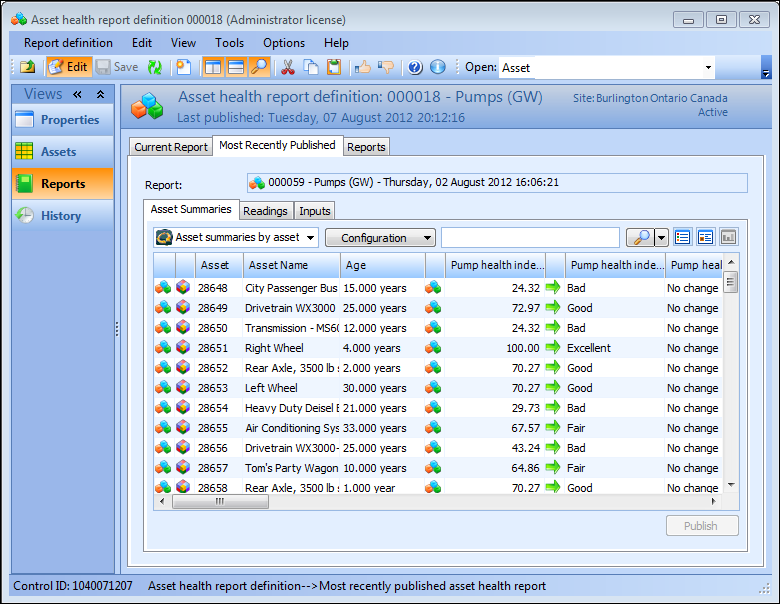
Select the Reports view, the Most Recently Published Reports tab and then the Asset Summaries tab to list all asset summaries by asset.
3.
Select the Readings tab, Listing tab. By default the Readings by Calculation configuration is shown.
Tip: You can select alternate configurations from the configuration list, such as Readings by Asset, and Readings with Errors.
4.
Select the Readings tab, then the By Asset tab to view a list of assets used in the readings.
5.
Select the Inputs tab and then the Listing tab, to view a list of variable results by asset and calculation.
6.
Select the Inputs tab and then the By Variable tab to view a list of assets considered by each variable.
7.