
|
Resuming Readings Generation
To Resume Readings Generation
1. On the Asset Health view, select the Reports tab. By default, all published asset health reports are listed.
2. Select Open Asset Health Reports from the configuration list. All open asset health reports are listed.
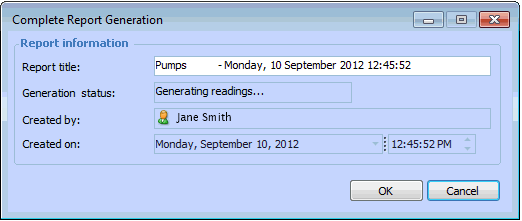
3. Double-click an asset health report for which readings could not be completed, and select Tools, Complete Generation. The Complete Report Generation dialog appears. For example:
4. Click OK. The generation resumes.