
|
Creating an Asset Health Calculation Condition
To Create an Asset Health Calculation Condition
1. From the Site window, select the Administration menu, Asset Health Settings, and then Asset Health. The Asset Health Management Settings dialog appears.Tip: You can also select the Asset Health view, Settings tab, Asset Health tab, and then the Asset Health Settings node in the tree.
2. Select the Conditions tab. This tab displays a list of calculation conditions for the enterprise.
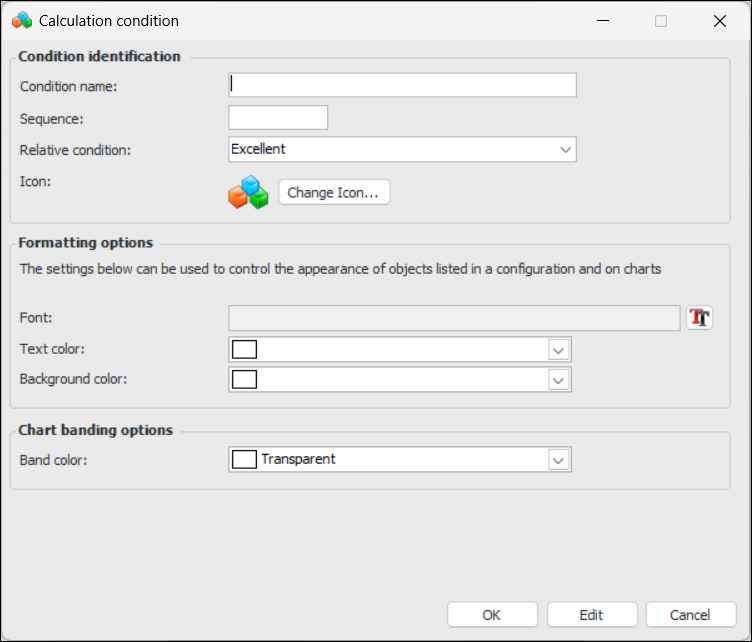
3. Click New. The Calculation Condition dialog appears.
6. Select the Relative condition from the list.
7. In the Formatting options area, select a font, text color, and background color to be used in tables.
8. In the Chart Banding options area, select a color for the band to be used in charts.
9. Click OK to save the changes. The calculation condition appears in the list.