|
Assigning Asset Health Calculation Details
To Assign Asset Health Calculation Details
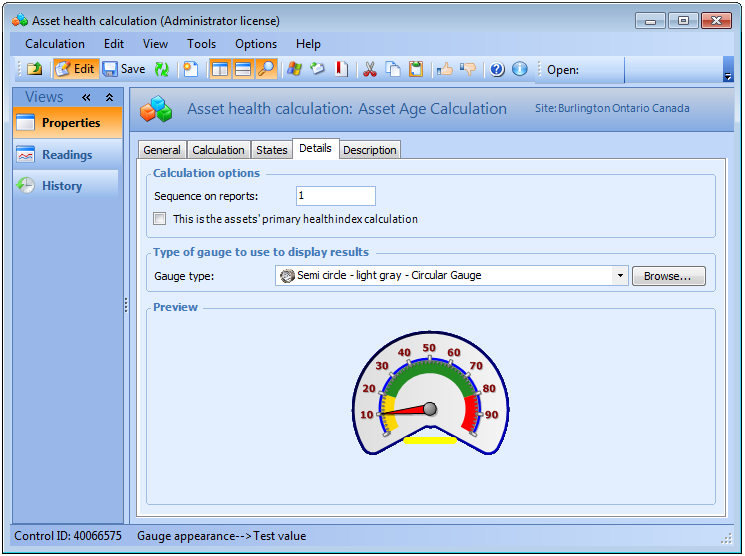
1. Open an asset health calculation and select the Details tab.
3. In the Calculation Options area, enter a number to represent the sequence that you want this calculation to be performed on asset health reports.
4. Select This is the asset’s primary health index calculation if you want this calculation to be the primary health index calculation for this asset.
5. Click Browse to select a gauge type from the list. A preview of the gauge type appears below. For example: