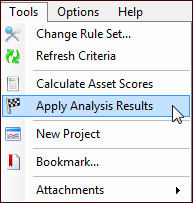
|
Applying Condition Analysis Results to Assets
To Apply Results to Assets
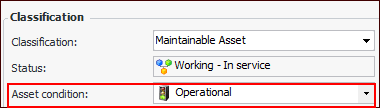
1. From the Site window, select the Asset Health view, Condition Analyses tab, and double-click the analysis. The Asset Analysis window appears, open to the Properties view, General tab.
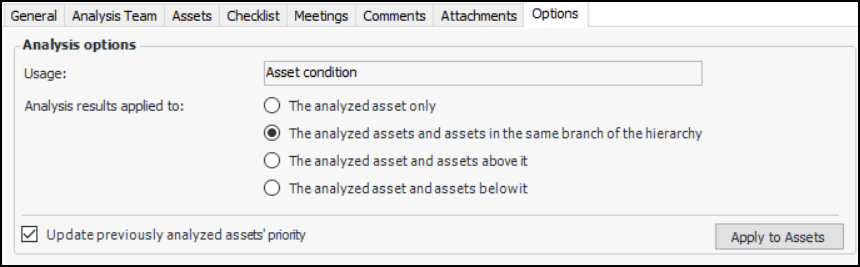
3. Select the Options tab. For example:
• The analyzed asset only – Only the assets included in the current analysis have their consequence priority numbers or conditions updated
• The analyzed assets and assets in the same branch of the hierarchy – Only the assets included in the analysis and their descendants and ancestors in the hierarchy are updated
• The analyzed asset and assets above it – Only the assets included in the analysis and their ancestors in the hierarchy are updated
• The analyzed asset and assets below it – Only the assets included in the analysis and their descendants in the hierarchy are updated
This option takes into account the selected Analysis results apply to option. For example, if descendant assets are to be updated and Update previously is selected, all assets below the analysis asset in the hierarchy are updated, whether they have been analyzed separately or not.If Update previously is not selected, descendant assets are updated until the system identifies an asset that has been analyzed separately. At that point, the update process stops.
5. If you change the defaults here, click Apply to Assets to apply the defaults to each of the assets in the analysis.
6.