|
Setting up Statuses for Asset Activity Reports
To Create an Asset Activity Report Status
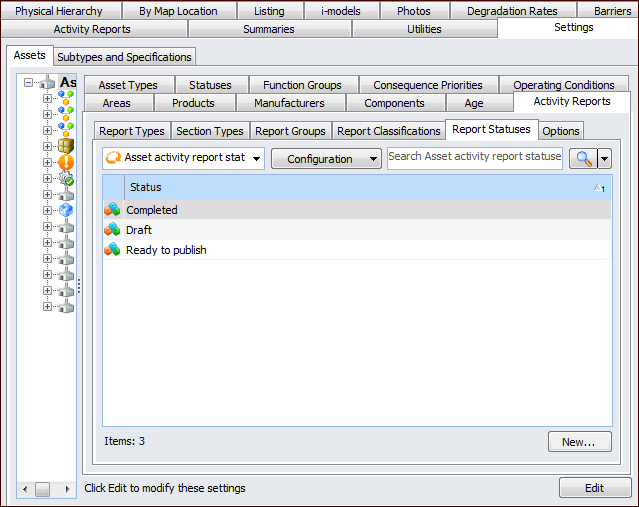
1. From the Site window, select the Assets view, Settings tab. Select the Assets tab, and the Asset Management Settings node in the tree. Select the Activity Reports tab.Tip: You can also select the Administration menu, Asset Management Settings, then Asset Management. The Asset Management Settings window appears. Select the Activity Reports tab.
2. Select the Report Statuses tab.
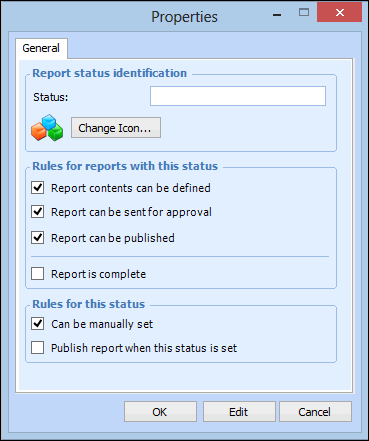
3. Click New. The Properties dialog appears:
4. In the Status box, enter a name for the report status.
6. Click OK to save the changes.